One Account, Every Venue: How Hotels and Resorts Run 5+ Menus Without the Chaos
One account, five venues — each with its own menu, hours, and pricing rules
Azure Bay All-Inclusive Resort
5 venues · 1 NEMENU account
- 🍍
Frozen Piña Colada
Pineapple, coconut cream, rum
Included - 🧡
Aperol Spritz
House classic — all afternoon
Included - 🍤
Grilled Shrimp Skewers
Garlic, lemon, chili
Included - 🍾
Dom Pérignon
Celebration bottles — premium
€320
Switch venues above — each one has its own menu, hours, pricing, and language
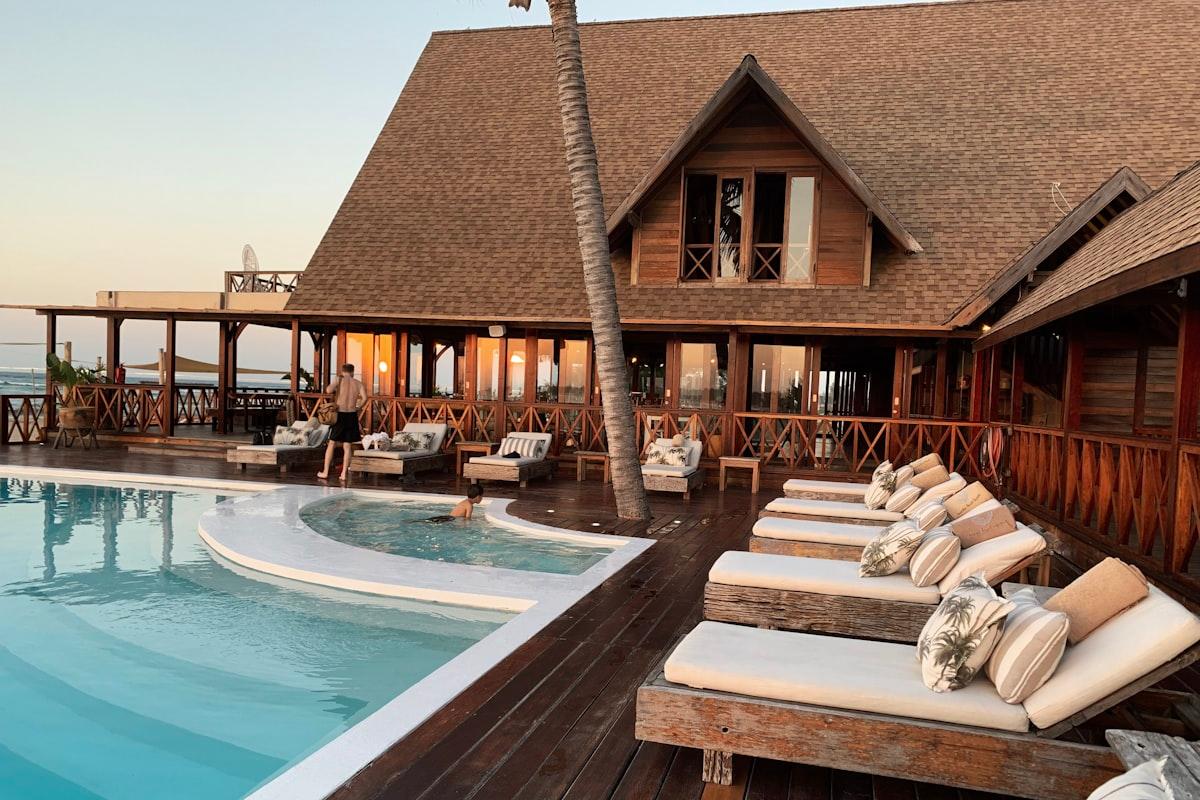
Walk into any all-inclusive resort and you'll find the same puzzle: the Lobby Café is pouring welcome mocktails, the Beach Bar is serving frozen piña coladas, the Main Restaurant is running a seven-course tasting, the Poolside Grill is slinging club sandwiches, and the Sunset À-La-Carte is taking dinner reservations at €80 per head. Five venues. Five menus. Five different sets of hours. Five different pricing rules — some included, some premium add-ons.
On paper, that sounds like five separate systems. In practice, every hotel manager knows that trying to run it as five separate systems is how you end up with "why is the Main Restaurant menu showing up on the Beach Bar QR code" emails at 11 PM on a Friday.
NEMENU's multi-location management is built for this exact problem. One account, one brand, many venues — each with its own menu, hours, pricing, language mix, and QR codes. Here's what it looks like from the guest side:
One Brand, Many Faces
Every venue under your account shares a single identity — the resort's name, logo, and brand colors — but can layer its own personality on top. The Beach Bar leans into bright coastal blues. The Sunset À-La-Carte gets a refined serif treatment with deep plum accents. Each feels distinct yet unmistakably part of the same resort.
This matters more than it seems. Guests judge all-inclusive quality by consistency. If the Lobby Café feels like a five-star lounge but the Beach Bar feels like a budget pop-up, the whole experience wobbles. NEMENU helps you hold the line on brand while still letting each venue breathe.
All-Inclusive vs. Premium: One Menu, Two Worlds
In an all-inclusive resort, the same menu has to gracefully handle both "already included in your stay" and "premium add-on, charged to your room." NEMENU handles this cleanly with per-item price modes:
- Included — shows an "Included" badge instead of a price, nothing to charge
- Premium — shows the price clearly, guest can choose to add it
- Package-specific — different inclusions for Silver, Gold, and Platinum guests detected via room profile
- Paid with credit — shows the price in your in-house credits (drinks credits, dining credits)
Hours That Actually Match Reality
The Lobby Café is open 24/7. The Beach Bar serves from 10 AM until sunset. The Main Restaurant runs dinner 7 PM to 10:30 PM. The Poolside Grill does lunch only, 12 to 6. The Sunset À-La-Carte is reservations only, 7 to 11.
Under the hood, each location has its own service windows. Menus automatically show "Opens at 7 PM" when the venue is closed and "Last orders in 20 minutes" as service winds down. Guests never stare at a menu from a kitchen that's already shut.
Because NEMENU also supports time-based item availability, you can go further: breakfast items appear on the Main Restaurant menu only from 7 to 10:30 AM, lunch from 12:30 to 3, dinner from 7 to 10:30. One venue, three different menus during the day, no manual switching required.
One Hotel, Many Menus
Multi-location isn't only for resorts with multiple buildings. A single hotel often runs a surprising number of distinct menus — and each one has its own audience, hours, and billing logic. Under one NEMENU account, a hotel can publish room service, breakfast buffet, minibar, spa treatments, conference catering, and a kids menu, each managed independently.
Here's what that looks like from a guest's phone. Browse between menus and notice how each one switches not just the content, but the billing model too — from "charge to room" to "included" to "premium":
This is where NEMENU's flexibility really earns its keep. A single in-room QR code can take the guest to a hotel menu hub, from which they pick whichever menu they actually need — without the front desk having to explain it, and without the hotel having to maintain five separate systems.
A QR Code for Every Venue
Each location gets its own set of QR codes. That sounds obvious, but it has real operational benefits:
- Table QR codes at the Main Restaurant open the Main Restaurant menu — not the Beach Bar's
- Room QR cards can point to a "resort directory" showing all five venues, letting guests browse from their room
- Each venue's QR gets its own analytics — you see which venue drives the most menu scans, which items are popular where
- UTM parameters per venue make campaign tracking effortless ("summer-cocktails" performs 3× better at the Beach Bar than at the Lobby)
Shared Team, Scoped Permissions
Most resort groups have centralised F&B management but venue-level managers on the ground. NEMENU's team roles handle this precisely:
| Role | What they can do |
|---|---|
| Group Owner | Full access across all venues, billing, brand, team members |
| Group Manager | Edit all venue menus, analytics, and pricing — no billing or team changes |
| Venue Manager | Edit only their assigned venue(s); can't see or change other venues |
| Staff | Stock status and 86 toggles only — perfect for shift managers and servers |
This means the Beach Bar manager can mark out-of-stock items during service without being able to accidentally edit the Main Restaurant's dessert menu. Scoped permissions keep the boundary between "I own this venue" and "I own the resort" clean.
Languages That Match the Venue
International resorts get guests from everywhere. But not every venue needs every language. Your Main Restaurant might publish in ten languages; your Poolside Grill might only need English, Spanish, and Italian because that's where most of your lunch traffic comes from.
NEMENU lets you enable languages per venue. The AI translation system reuses common translations across venues — a "Caesar Salad" is translated once, not five times — but lets each venue publish in only the languages that make sense for its guest mix.
Central Reporting, Per-Venue Decisions
The Analytics dashboard rolls up across every venue in your account, so you can see the big picture in a single view — total menu views, total visitors, overall top items. But every chart also has a "by venue" breakdown so you can drill in.
- Which venues drive the most menu scans over a weekend?
- Which items are popular at the Beach Bar but ignored at the Lobby Café?
- Which venue's guests use the vegan filter most heavily?
- Where is premium add-on ordering strongest — and what should your upsell strategy look like next season?
Over a full season, this data becomes the raw material for next year's menu and pricing decisions. Multi-location isn't just convenience — it's a feedback loop that helps you run every venue better.
Beyond Resorts
Multi-location is just as valuable for other hospitality groups:
- Hotel chains with restaurants across multiple properties
- Restaurant groups operating under one brand across cities
- Ghost kitchen operators running several delivery brands from one kitchen
- Bar and nightlife groups with different concepts under one ownership
- Cafés with multiple locations offering slightly different menus by neighbourhood
The common thread is simple: more than one venue, shared brand and ops, but enough variation that a single menu won't cut it. That's the sweet spot for NEMENU multi-location.
Getting Started
Multi-location is available on NEMENU's Enterprise plan. If you're already a NEMENU customer, you can contact our team to add additional venues to your account. If you're new to NEMENU, start with the free plan for a single venue, then upgrade to Enterprise when you're ready to bring your other locations under one roof.
Running a hotel or resort is hard enough. Running five separate menu systems shouldn't be the part that breaks you.