Your Dish, On Your Own Table: AI Photos Made From the Pictures You Already Have
One dish photo, four results
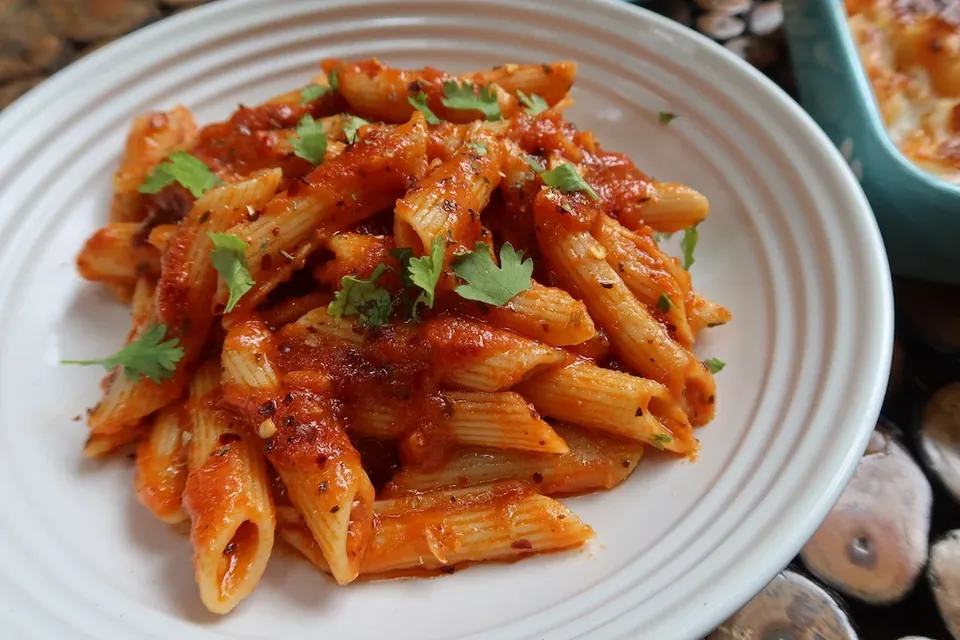
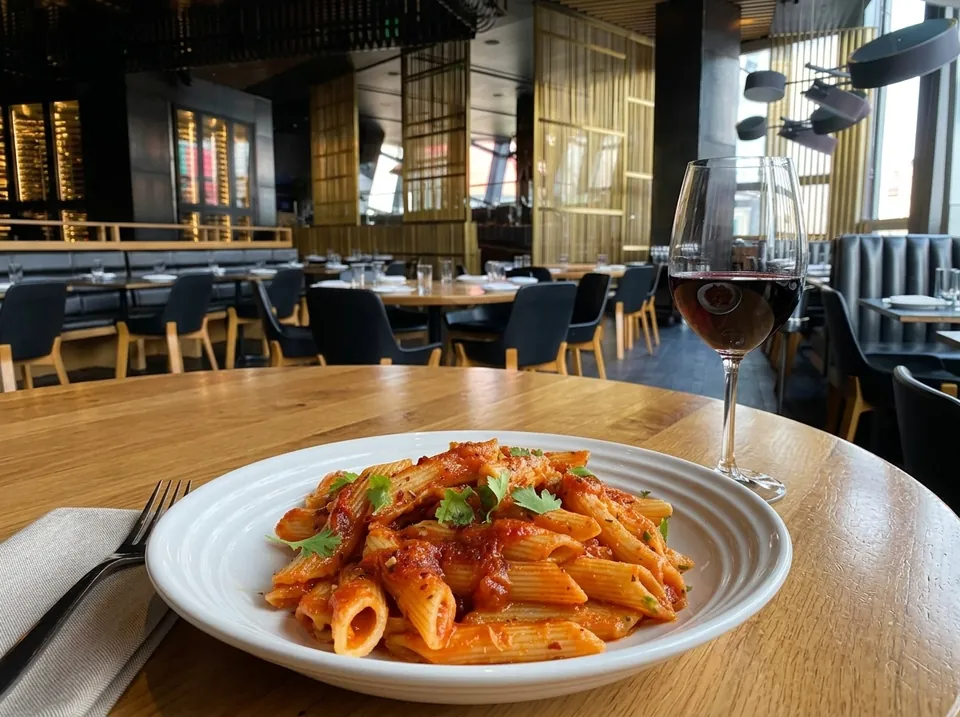
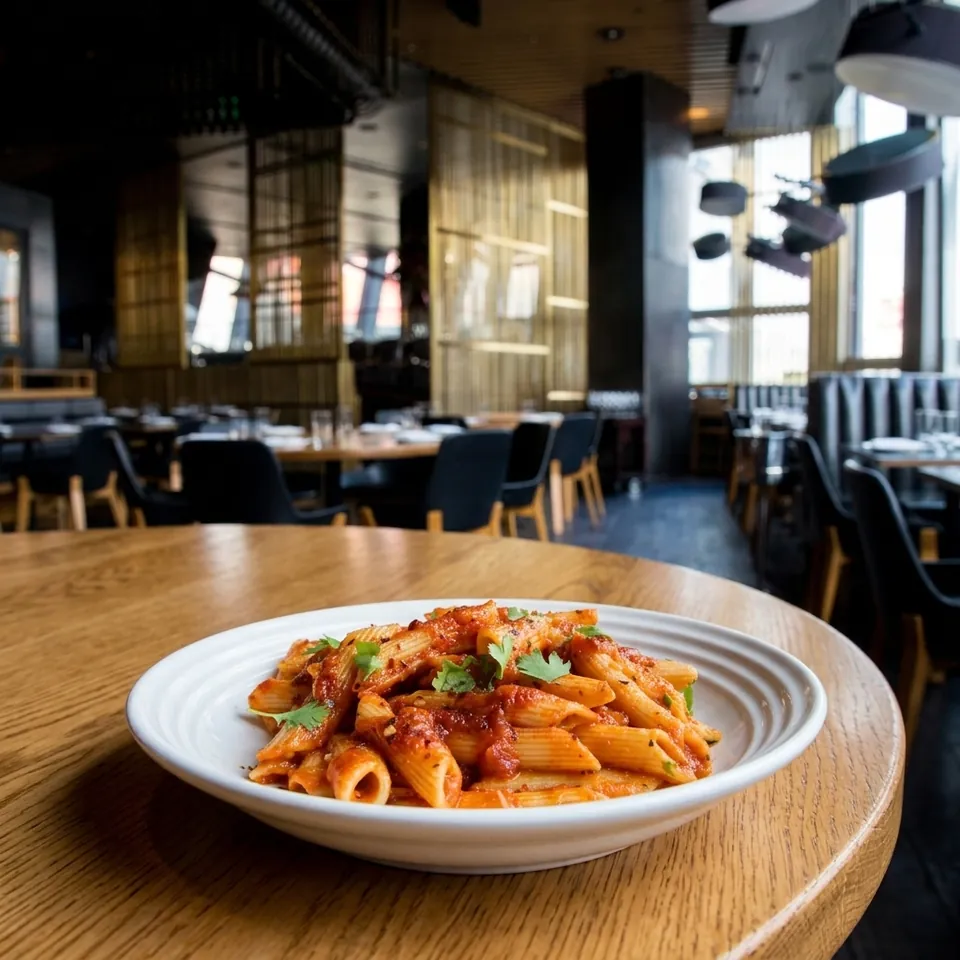
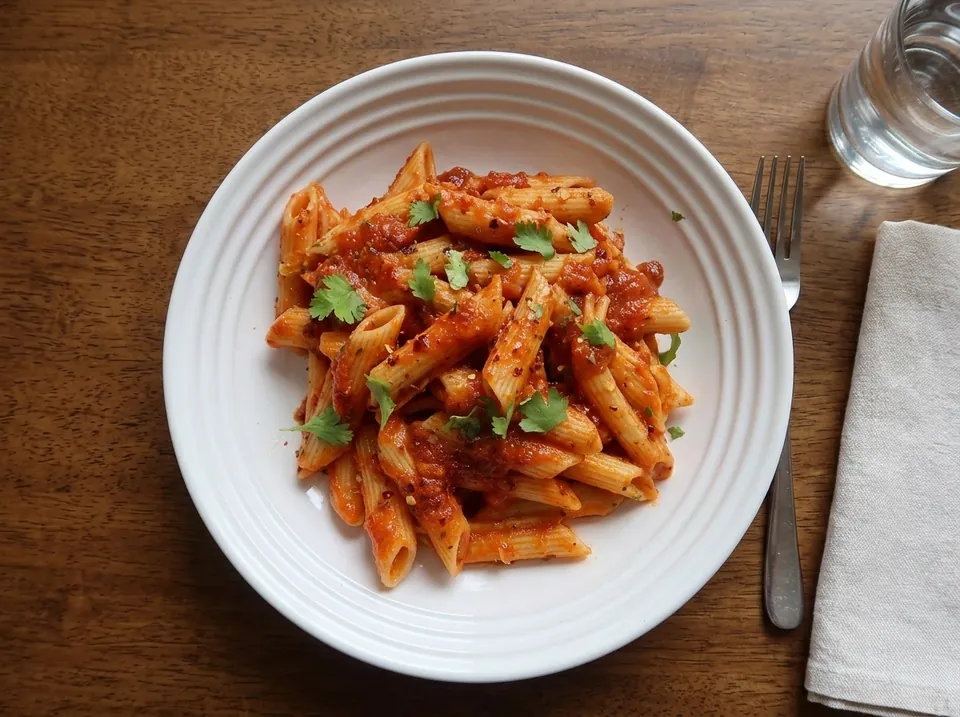
Eye level, the dining room softly in focus behind the plate.
Good food photos are the single most expensive thing on most menus. A photographer, a stylist, a half-day with the kitchen tied up, and a bill that makes you keep the pictures long after the plating has changed. So most places do what everyone does: a phone photo at the pass, under kitchen light, with a bit of the steel counter in the corner.
AI dish photos takes that phone photo and finishes the job. You give it the dish photo you already have and a photo of your room, and it gives you back a photo of that exact dish, served on your own table, in your own light. Or, if you'd rather have a clean product shot, it removes the background and sets the dish on a plain backdrop. Either way the dish stays as you photographed it: same plating, same garnish, same portion.
Here is one phone photo of penne arrabbiata and the four results you can make from it. Click a style to compare:
Two Ways to Use It
- In your venue: add a photo of your dining room, bar or terrace. The AI places the dish on a table in that room and matches the light, the perspective and the colour of the wood. Three framings: eye level on the table, a close-up with the room blurred behind, and overhead.
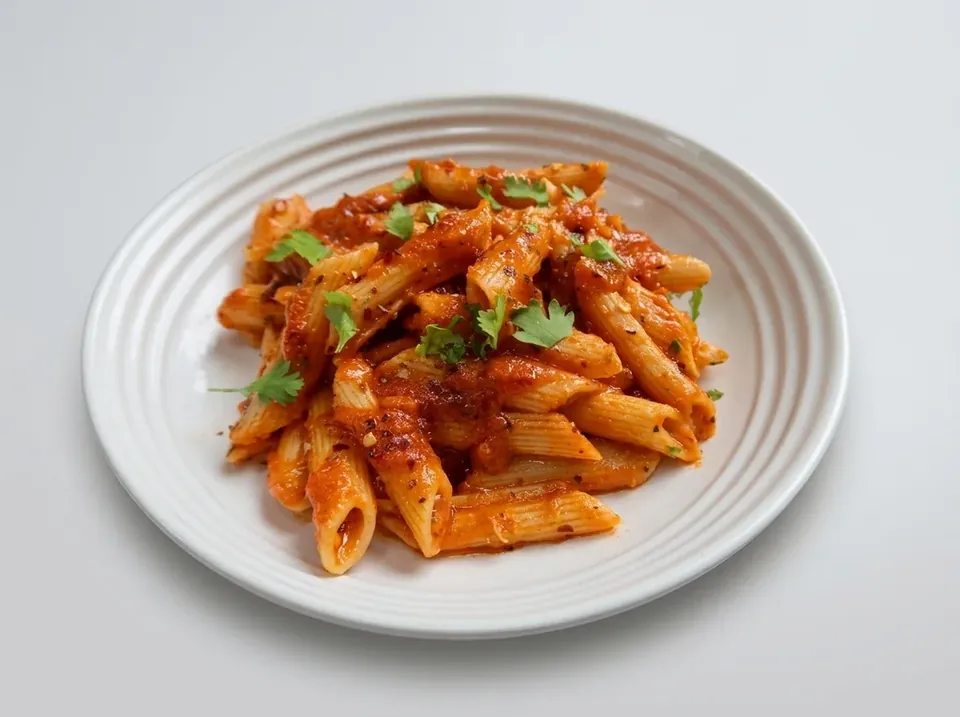
- Clean background: no room photo needed. The background is removed, the dish is sharpened and re-lit, and it's centred on a soft neutral backdrop. This is the one to use for a consistent menu grid.
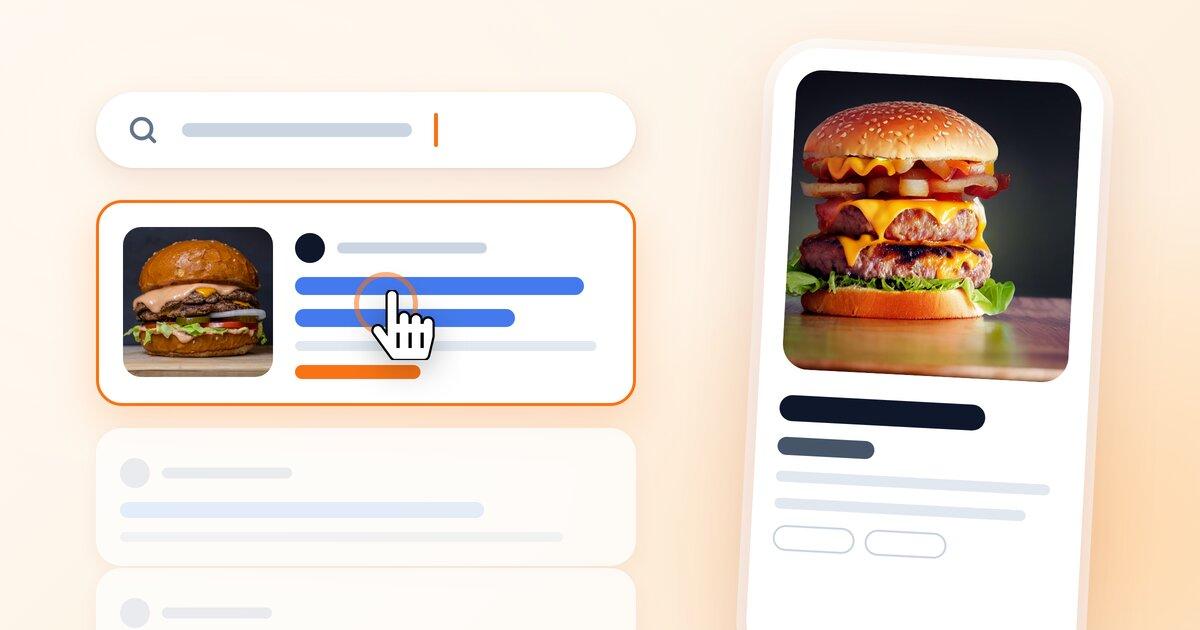
Both run from the same place. On the AI photos page under Branding you pick a dish, add a room photo (or skip it), choose a style and press Generate. Inside the item editor it's one button under the uploaded photo, "Improve with AI", and the result drops straight back into the item as its image or into its gallery. It works on a brand-new item before you've even saved it.
What Makes the Difference
The AI is good at the room. What it cannot do is invent a better dish than the one in your photo, so the quality of the input decides most of the result. A few things that help:
- Shoot the dish from roughly the angle you want in the result. A top-down phone photo makes a great overhead shot and an awkward eye-level one.
- Daylight beats kitchen light. Near a window, no flash.
- For the room photo, stand where a guest would sit. A table in the foreground and the room behind it gives the AI something to place the plate on.
- Keep people out of the room photo. The AI never adds people, and it is happier without them.
- Use the note field for the small things: "near the window", "with a glass of red wine", "dark slate background". NEMENU remembers your last note, so a house style carries over from one photo to the next.
How Many Photos You Get
Each generation uses one photo from your monthly allowance. Pro includes 30 a month, Enterprise 100, and during a trial you get 3 to try it on your own dishes. A failed generation never counts. The meter at the top of the page always shows what's left, and it resets on the 1st.
Your Photos
Your dish and room photos are sent to the AI image model only to make the picture you asked for, and the result is stored in your own NEMENU asset library like any upload. Nothing is published anywhere until you put it on your menu.
Getting Started
AI dish photos is rolling out gradually to NEMENU accounts. When it's switched on for yours, you'll find an "AI dish photos" card on the Branding page and the "Improve with AI" button under every item photo. If you don't see it yet and want early access, get in touch and we'll turn it on.
The best menu photo is the dish you actually serve, in the room you actually serve it in. Now that takes a phone and twenty seconds.