From Empty Menu to Mouthwatering: Add Free Photos, Icons & Emoji to Every Dish
Watch the asset picker switch between Pixabay search, icons, and emoji
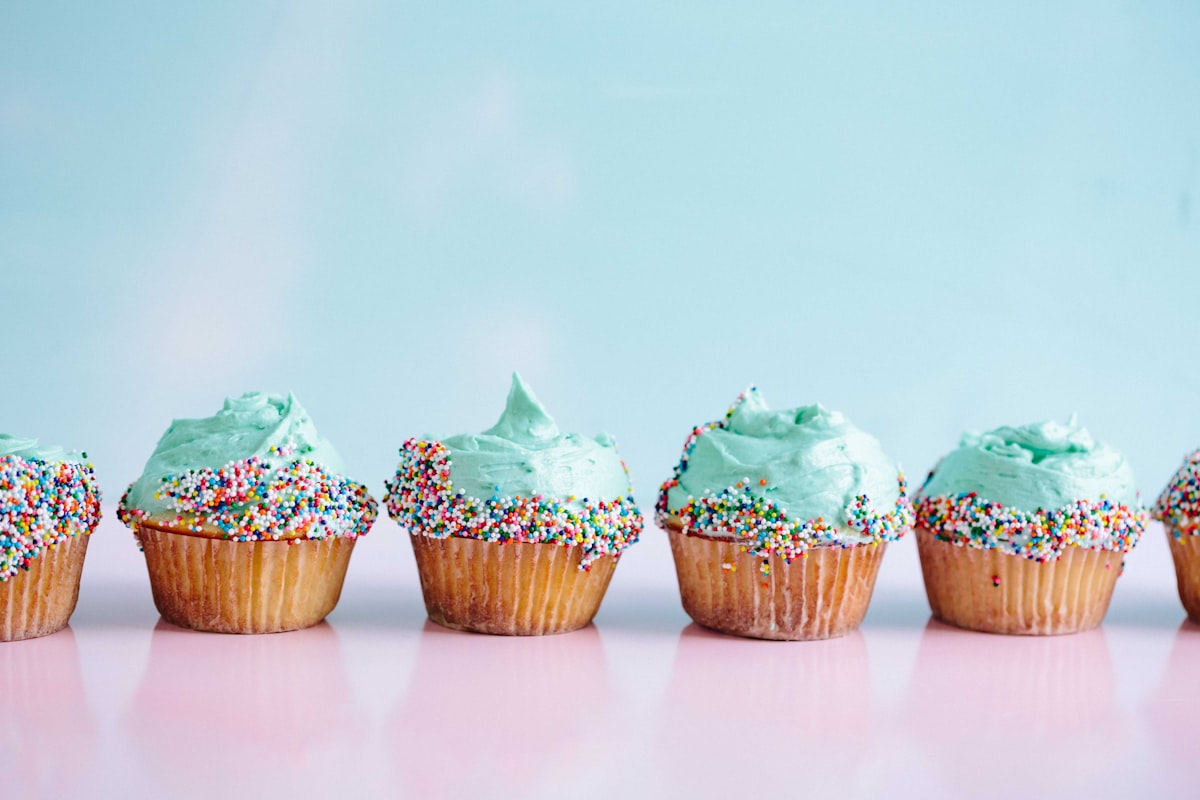
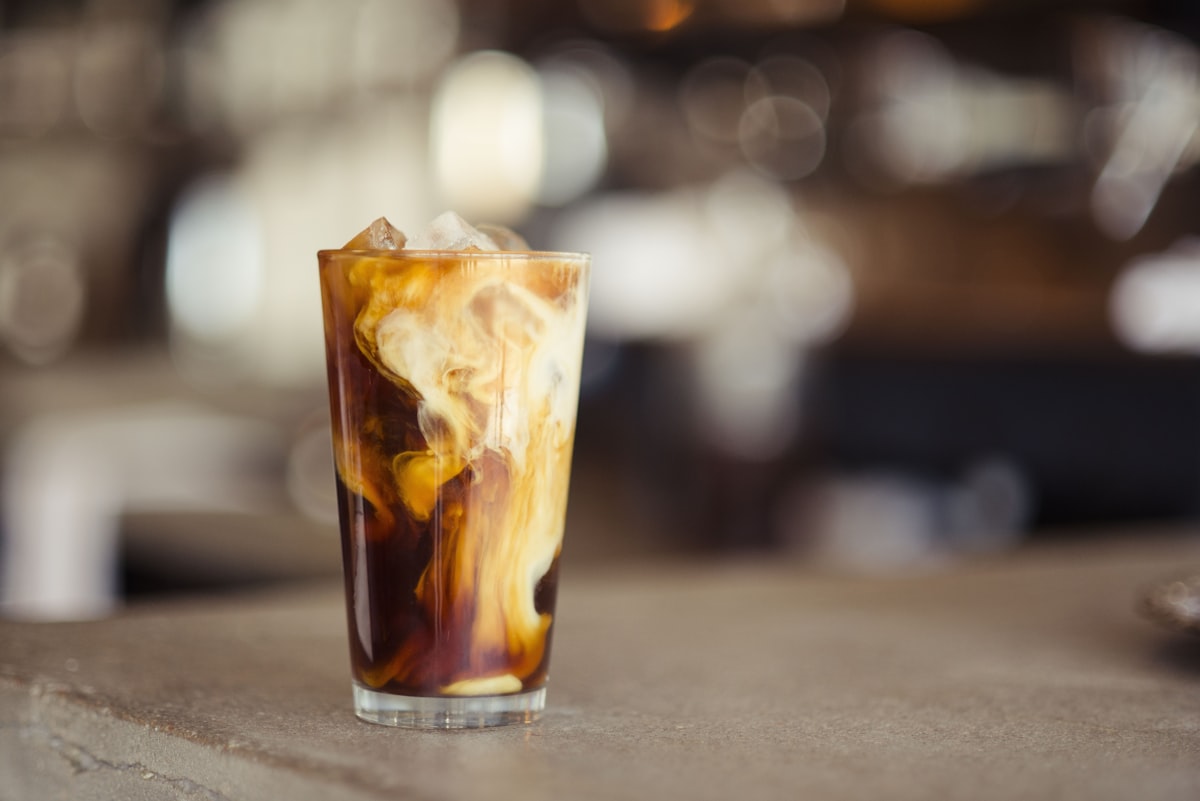
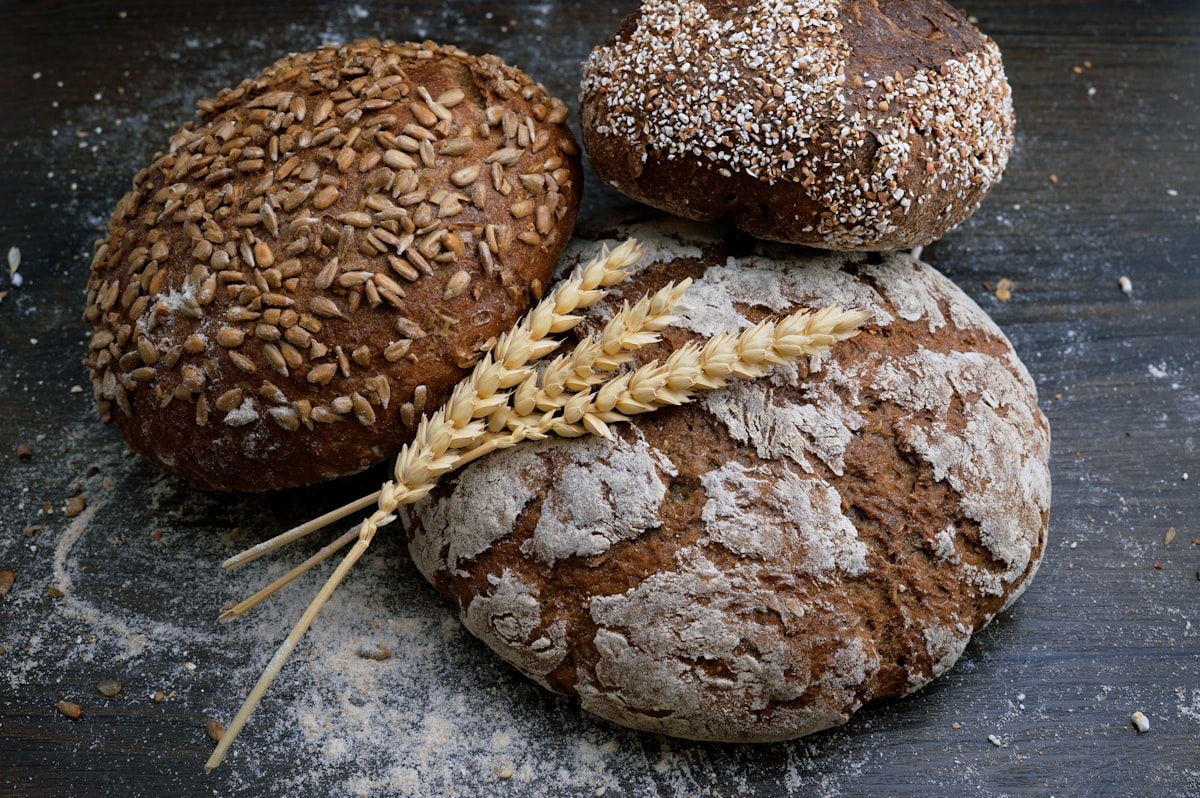
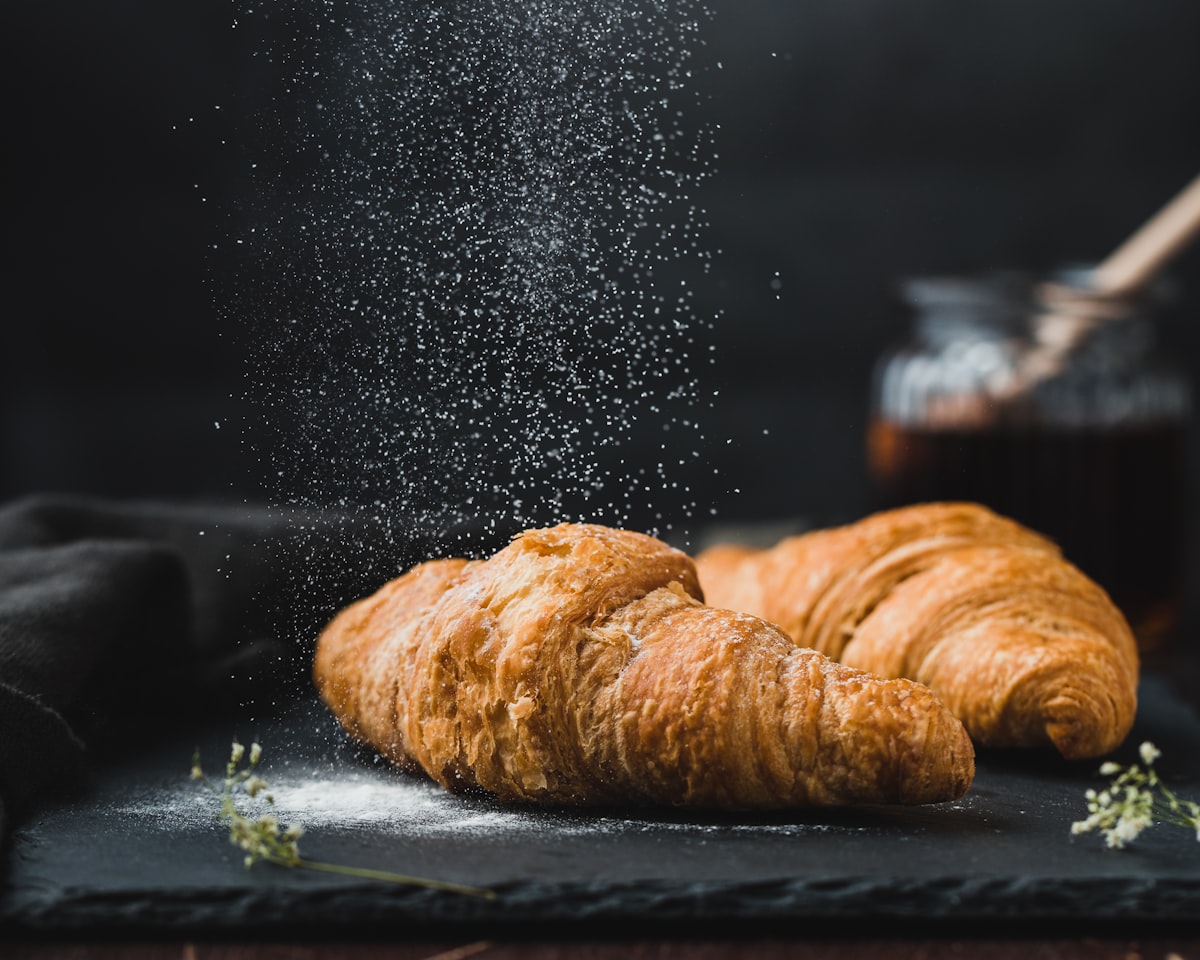
Click a tab to take control — the demo will pause its loop
Most diners decide what to order within seconds of opening a menu, and they decide with their eyes. A menu without visuals isn't neutral — it's an obstacle. The dishes blur together, decision fatigue kicks in, and people default to whatever sounds safest. Sales of your hero plates quietly disappear.
The classic excuse for a text-only menu is photography: you don't have a photographer, you don't have time to shoot, and stock photos cost money. So we built three free image sources directly into the NEMENU editor — and made all of them available on every plan, including Free.
Stock photos — search a library, pick a shot, done
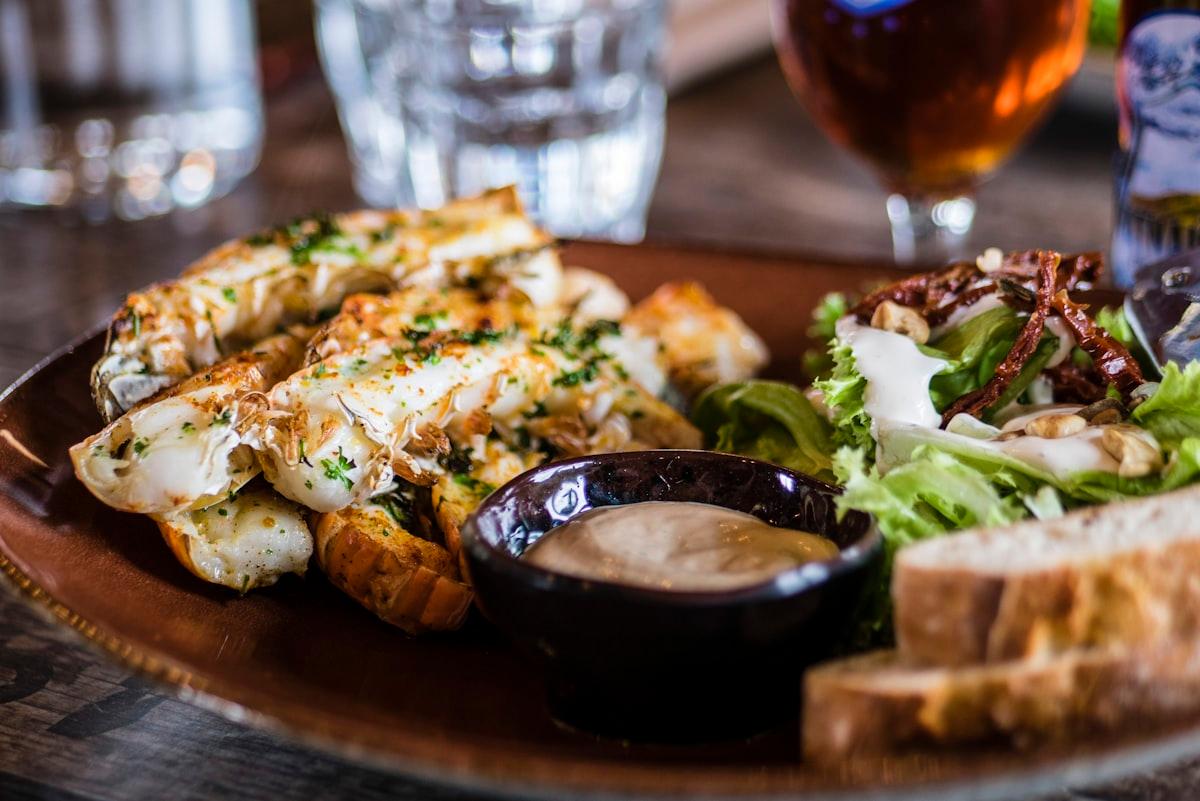
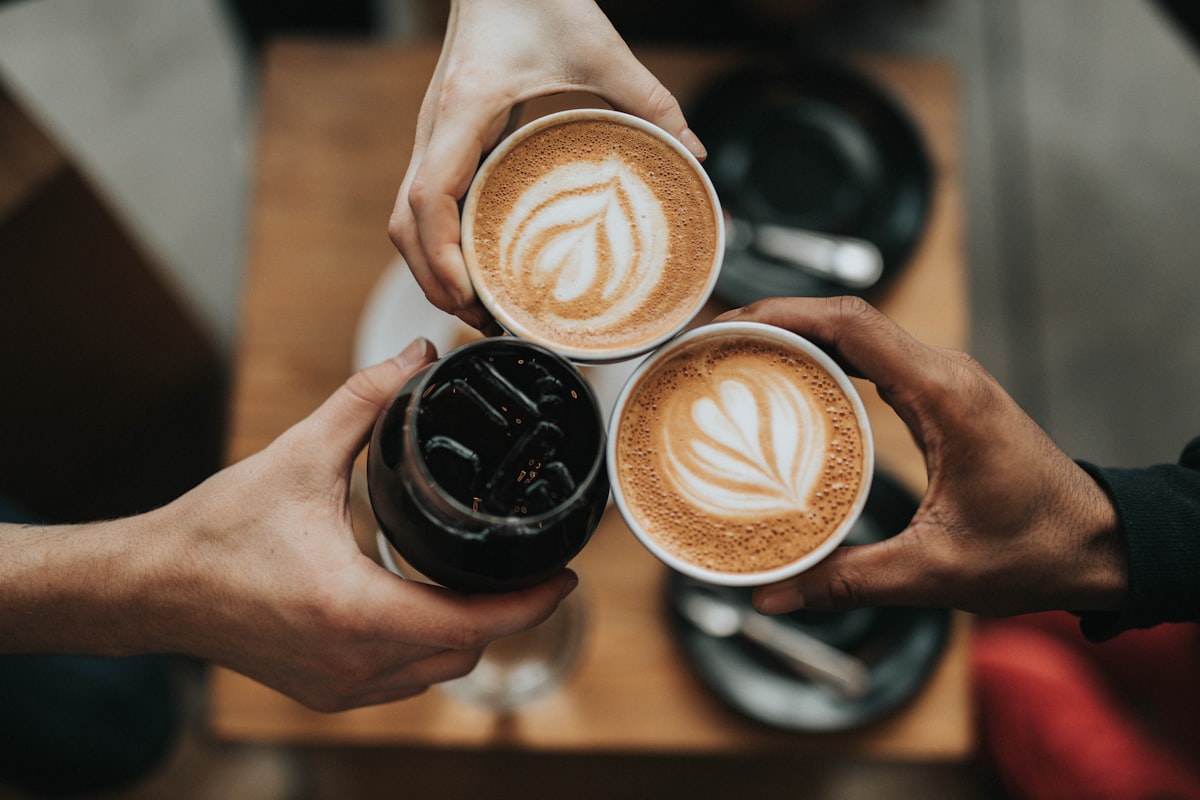
Open any menu item or category, click "Free photos," and you land on a search box backed by Pixabay's photo library. Type "pizza," "latte," or "caesar salad" and you'll see dozens of high-quality results in seconds. Pick one, and NEMENU does the rest:
- Downloads the image once, globally — so if a hundred restaurants pick the same pizza shot, we only fetch it from Pixabay one time
- Optimizes it to WebP automatically for fast page loads
- Stores a copy in your tenant's own asset library — your menus never hotlink to Pixabay
- Pre-fills the search with your dish's name when your menu is in English, so you spend less time typing
Icons — for the dishes a photo can't capture
Some menu items don't have a single "right" photo. "House special." "Chef's choice." "Today's soup." "Drink of the week." A generic photo would feel forced; an icon feels honest and intentional.
We curated 37 food and drink icons from Lucide — a clean, modern open-source icon set — and added a 10-swatch color picker so you can match your brand. Pizza in burnt orange, beer in amber, salad in fresh green. The result is a polished, illustrated menu that doesn't try to fake photography it doesn't have.
Emoji — for menus that lean playful
Emoji are the secret weapon of casual menus. They're warm, recognizable, and they render exactly the same in every language. We curated about 110 food and drink emoji and built a search box that finds them all in milliseconds.
Behind the scenes, NEMENU rasterizes whichever emoji you pick using your operating system's native emoji font — Apple Color Emoji on Mac, Segoe UI Emoji on Windows, Noto Color Emoji on Android. Whatever you see when you click is exactly what gets baked into the saved image. Your customers see the same glyph regardless of their device, because by the time it reaches them, it's a regular PNG.
How to use it
- Open any menu item or category in the editor
- In the Image section, click "Free photos," "Icons & emoji," or "From Assets"
- Search, pick, save — the image lands in your asset library and on the dish
- Reuse the same asset on as many dishes as you like — it's already in your library
Why it's free
Pixabay images are released under the Pixabay Content License, which permits commercial use without per-image attribution — a tiny "Photos by Pixabay" credit shows in the search UI itself, and that's all that's required. Lucide icons are ISC-licensed (no attribution required), and Unicode emoji aren't third-party assets at all — they're rendered by the operating system the same way the text on this page is.
That's why none of these sources cost you anything, none of them clutter your published menu with credit lines, and all of them work on the Free plan. The full breakdown is on our Licenses page.
What this changes
Visual menus convert better — that's not a marketing claim, it's well-documented in restaurant research. Items with images get ordered more often, decision time drops, and table turnover improves. The blocker was always production: who shoots the photos, who edits them, who keeps them updated when the menu changes.
With Pixabay, Lucide, and emoji built into the editor, that blocker is gone. The smallest café on the Free plan can now ship a fully illustrated menu in an afternoon — no camera, no designer, no budget. Just open the editor and start picking.