How to Create a Digital Bar Menu: The Complete Guide
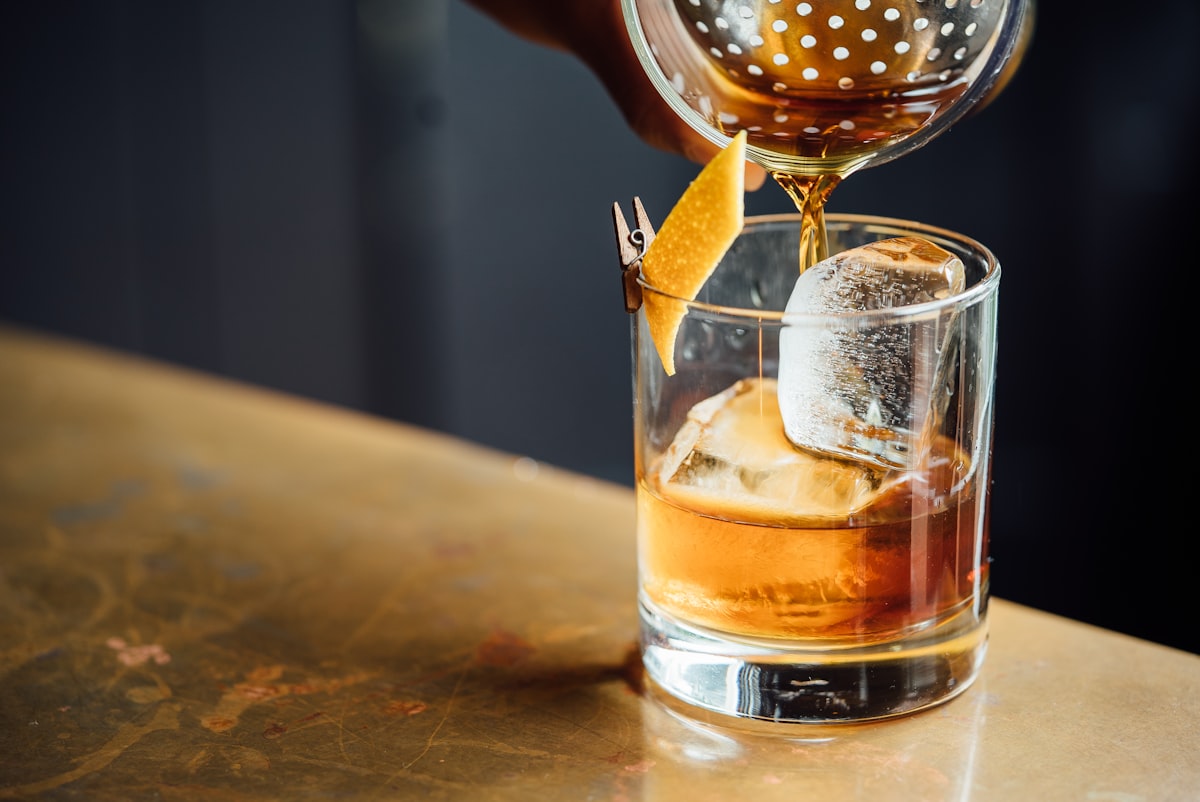
Running a bar means managing a constantly changing inventory. Kegs kick, bottles run dry, and seasonal cocktails rotate. A digital bar menu solves these challenges while showcasing your craft cocktails and creating an elevated drinking experience for your guests.
Why Bars Need Digital Menus
Bars face unique menu challenges that restaurants don't. Your tap list changes weekly. Happy hour prices need to activate and deactivate automatically. Craft cocktails deserve beautiful presentation. A digital menu handles all of this seamlessly.
- Update tap lists instantly when kegs kick
- Automate happy hour pricing based on time of day
- Showcase craft cocktails with photos and ingredient details
- Display wine lists with tasting notes and pairings
- Mark items as 86'd without reprinting anything
Setting Up Your Digital Bar Menu
Organize by Category
Structure your menu the way guests naturally browse. Common categories include Draft Beer, Bottles & Cans, Wine, Signature Cocktails, Classic Cocktails, and Non-Alcoholic options. Consider adding seasonal sections for rotating selections.
Craft Cocktail Presentation
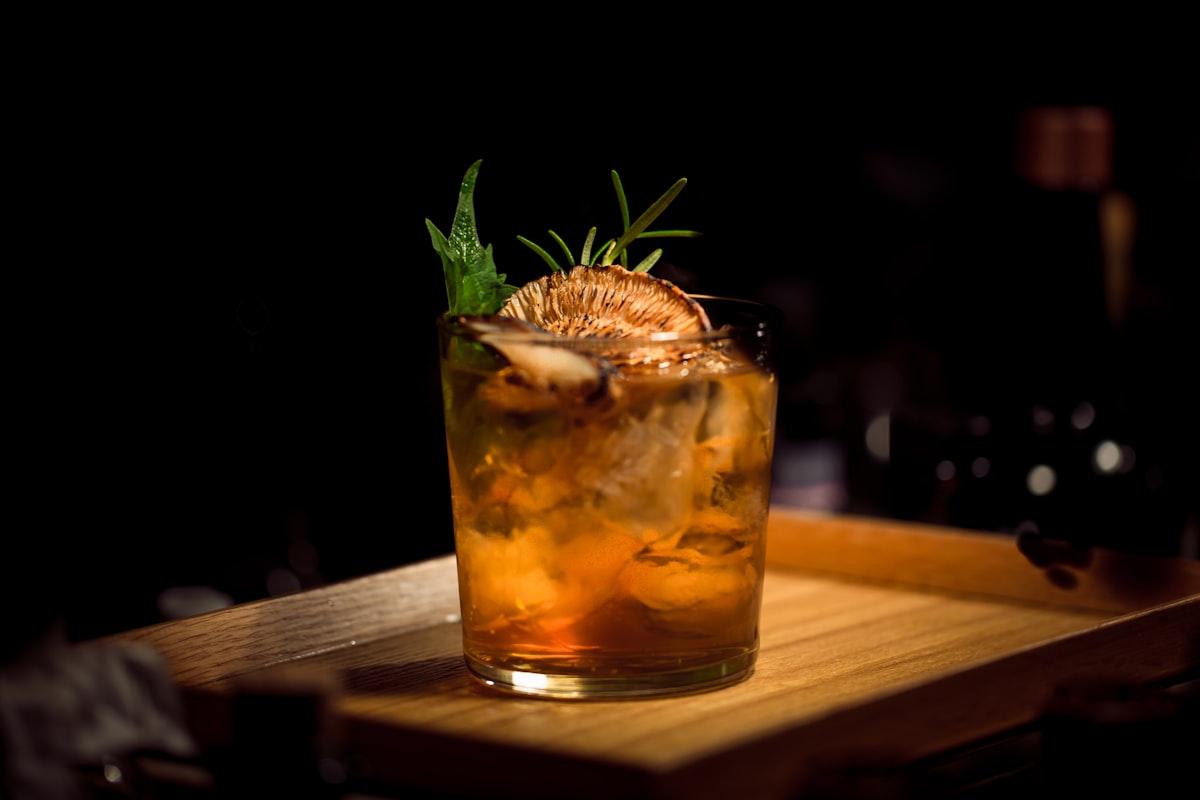
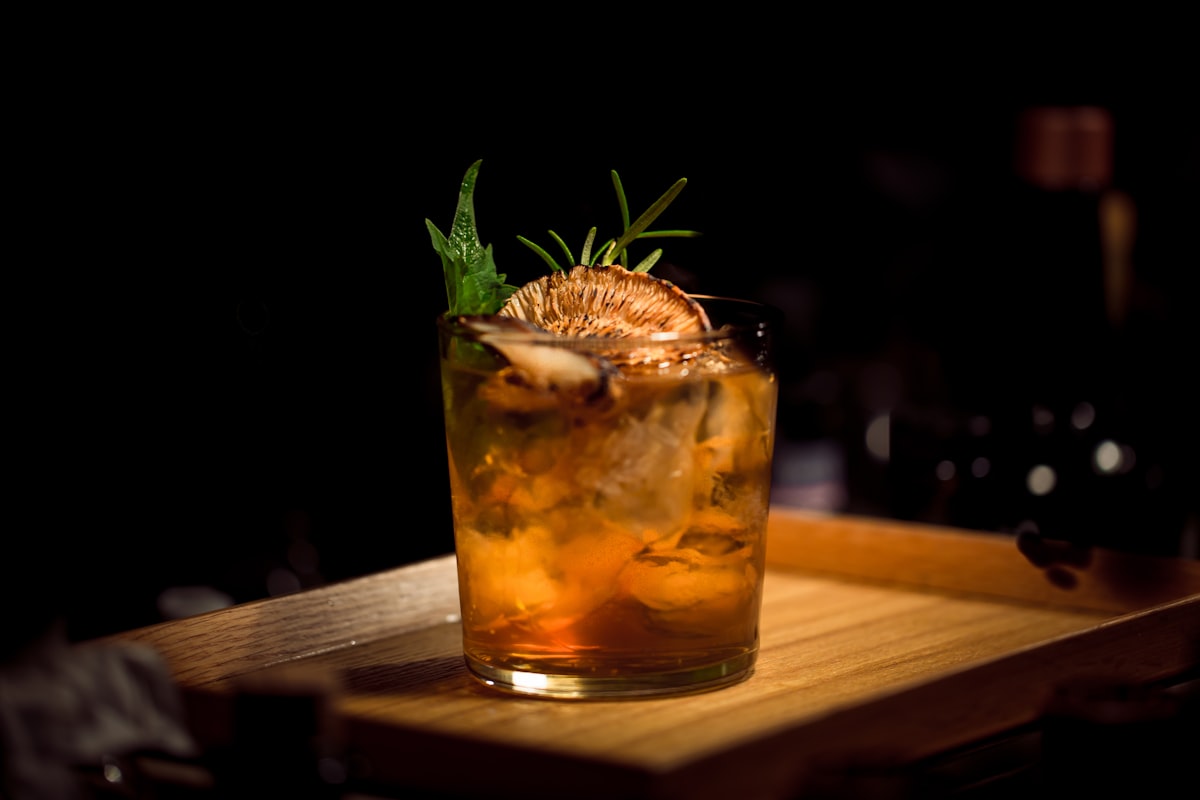
Your signature cocktails deserve the spotlight. Include base spirit, flavor profile, and a brief description. High-quality photos make a significant impact—guests drink with their eyes first.
Managing Your Tap List
A digital tap list is a game-changer for bars with rotating selections. Include brewery name, style, ABV, and pour sizes. When a keg kicks, mark it unavailable instantly—no more awkward customer conversations about unavailable beers.
- Display brewery and beer style for each tap
- Show ABV and IBU for craft beer enthusiasts
- List available pour sizes (taster, half, full)
- Add tasting notes for featured selections
- Update availability in real-time from your phone
Happy Hour Automation
One of the biggest advantages of digital menus for bars is automated pricing. Set happy hour prices to activate at 4pm and revert at 7pm automatically. No manual switching, no forgotten changes, no pricing errors.
Wine List Best Practices
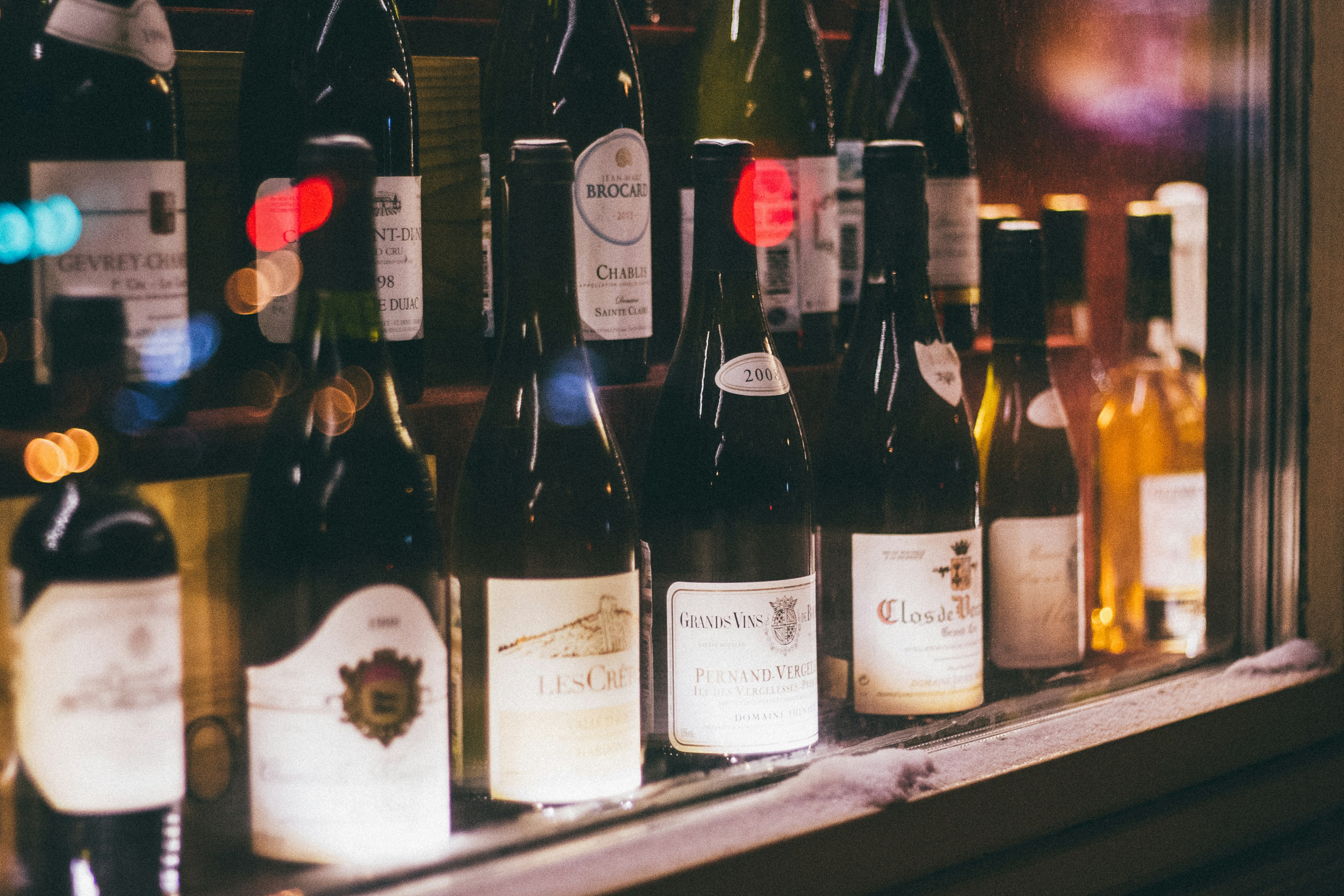
Digital wine lists can include far more detail than traditional printed lists. Add vintage, region, tasting notes, and food pairings. Consider organizing by style (light to bold) rather than just by origin for guests who don't know wine regions.
Creating the Right Atmosphere
Your digital menu should match your bar's vibe. A speakeasy needs a different aesthetic than a sports bar. Choose colors, fonts, and imagery that reinforce your brand identity while keeping text readable in low-light conditions.
QR Code Placement for Bars
Strategic QR code placement maximizes engagement. Bar tops, table tents, and coasters all work well. For high-volume bars, consider digital displays near the bar showing your tap list that guests can scan for more details.
A well-designed digital bar menu reduces staff questions about availability, showcases your craft cocktails beautifully, and automates the tedious parts of menu management. Your bartenders can focus on making great drinks instead of explaining what's available.