Six F&B Outlets, One Property: A Digital Menu Playbook for Hotels
One hotel, six menus — each with its own hours, audience, and billing rules
Grand Meridian Hotel
6 menus · Room 412 · Welcome, Ms. Rossi
In-Room Dining
24/7 · Charged to your room
- 🥪
Club Sandwich
Triple-decker chicken, bacon, egg, fries
€24 - 🥩
Steak Frites
Grilled ribeye, béarnaise, hand-cut fries
€48 - 🥗
Caesar Salad
Romaine, parmesan, anchovies, croutons
€18 - 🍕
Midnight Pizza
Late nightMargherita or pepperoni — late-night favorite
€22
Every menu has its own hours, billing rules, and audience — all under one hotel account
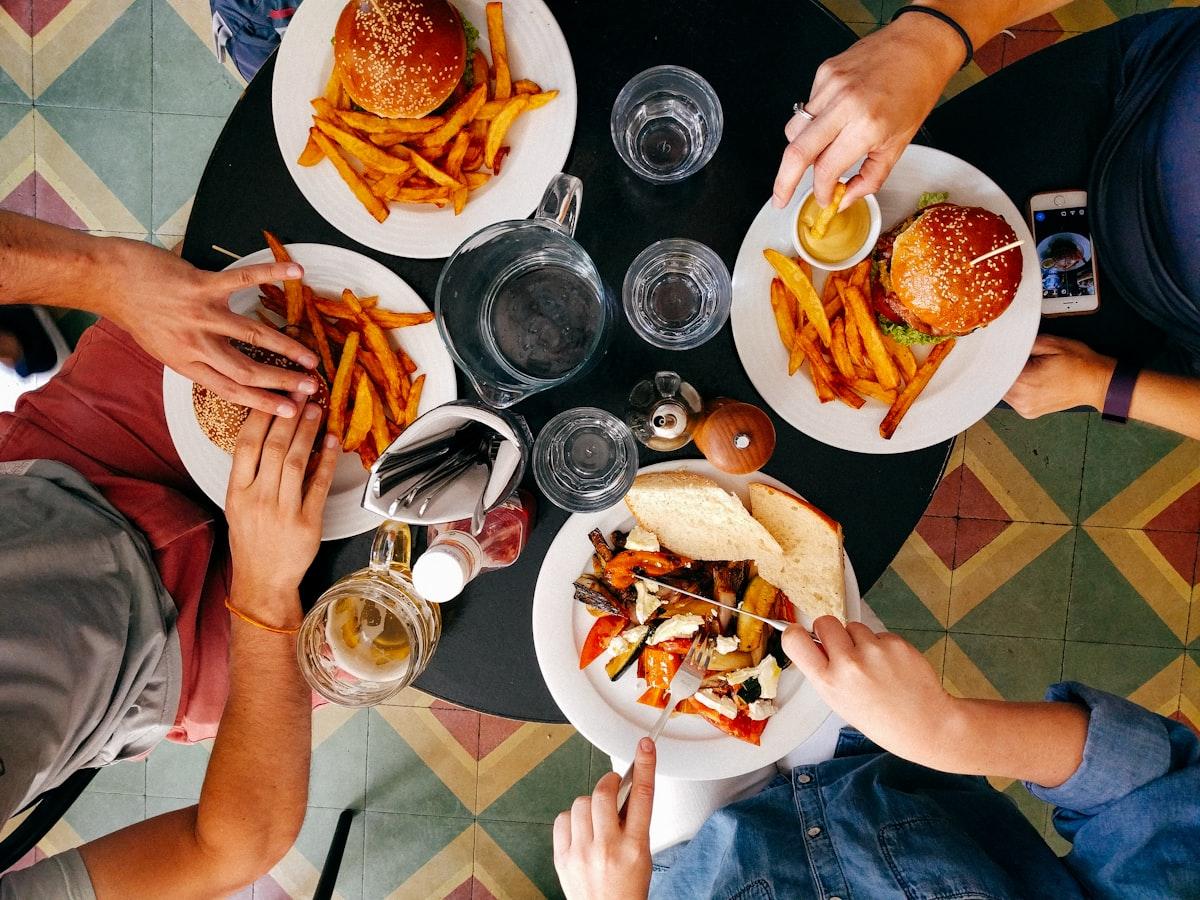
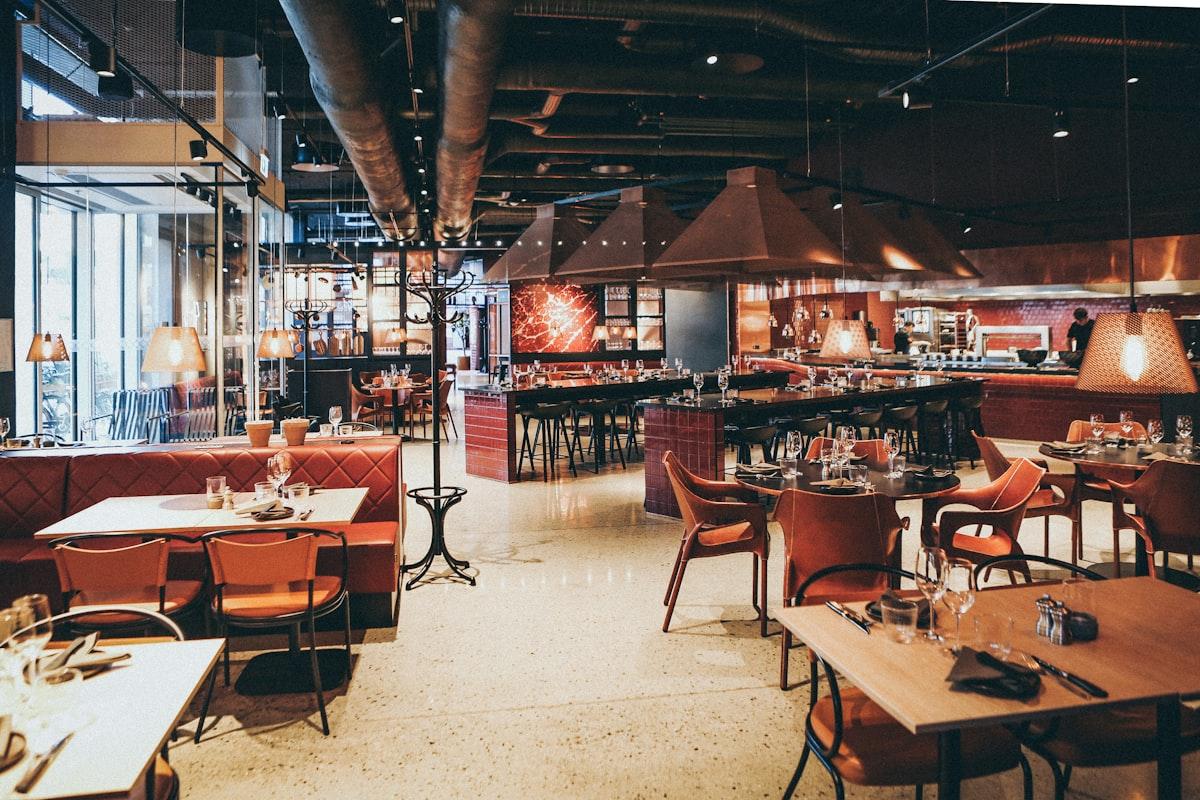
A hotel with six food and beverage outlets is not one restaurant with six rooms. The spa sells 60-minute treatments, the pool bar sells burgers at noon, the night club sells bottles at midnight, and the same club sandwich shows up at three of them with three different prices. Putting hotel F&B outlets on a digital menu means respecting those differences while keeping one brand, one team and one login. This playbook walks through it end to end with a fictional property, The Sandoval Grand, and its six outlets: Spa & Wellness, Lounge Bar, Pool Bar, The Restaurant, Fast Food Corner and Night Club. The demo below shows the kind of per-outlet menus a hotel ends up with, from in-room dining to the spa treatment list, each with its own hours and feel.
Map the Property First
Before touching the admin panel, write down every outlet, when it serves, what it should feel like and what it shares with the others. Ten minutes on this table saves hours of moving items later, because it tells you which outlets need a distinct template and which items belong in a shared catalogue rather than being typed six times.
| Outlet | Hours | Template feel | What it shares |
|---|---|---|---|
| Spa & Wellness | 09:00 to 20:00 | Calm, lots of white space, treatments with durations | Still water, herbal teas, the smoothie list |
| Lounge Bar | 17:00 to 01:00 | Dark, serif headings, cocktails first | Full wine and spirits list, bar snacks |
| Pool Bar | 11:00 to 19:00 | Bright, photo-led, quick to scan in sunlight | Burger, club sandwich, soft drinks, beers |
| The Restaurant | 07:00 to 10:30 and 19:00 to 23:00 | Classic, descriptions on, few photos | Wine list, desserts, the same club sandwich at a dinner price |
| Fast Food Corner | 11:00 to 23:00 | Compact grid, prices large | Burger, fries, soft drinks |
| Night Club | 22:00 to 04:00 | High contrast, bottles and packages only | Spirits list, mixers, soft drinks |
Notice the last column. The burger is on three menus, the soft drinks on five, the spirits list on three. Those are the items you want to create once and place many times, which is exactly how NEMENU is built.
Set Up the Account
The Sandoval Grand is one NEMENU tenant on the Enterprise plan. The Free and Pro plans are built for a single location, so multi-venue properties need Enterprise. Inside that one account, each outlet becomes a location in Settings, Locations (/admin/settings/locations). Click Add Location, give it a name (the Location Name field is what guests see in the directory), pick a Template, upload a cover image and fill in the street address, phone, WhatsApp and WiFi details that apply to that outlet alone.
Create all six before adding a single item. It feels slower, but it means the catalogue work in the next step lands on real venues, and it lets you preview the venue picker guests will see from the main QR code, which the Locations page can open for you at any time. Set each venue's opening hours while you are there. Every outlet has its own days and time windows, and the menu tells guests when a closed venue opens next.
Build the Catalogue Once
In NEMENU, items do not belong to a venue. They live once in a global catalogue under Products (/admin/products), and a venue's menu is a set of placements that point at catalogue items. A placement can carry its own price for that venue, while the name, photo, description and allergens stay shared. Categories are the exception: they are per venue, so the Pool Bar can group drinks under Frozen while the Lounge Bar groups the same bottles under Signature Cocktails.
For The Sandoval Grand that means the head of F&B creates the burger, the club sandwich, the soft drinks, the wine list and the spirits list one time in the catalogue, with photos and allergens filled in properly. The outlets then place what they need. When the supplier changes the cheese and the allergen line has to change, it is edited once and every outlet updates. The full mechanics, including how prices differ per venue, are in One Catalogue, Six Menus: How Placements Give Every Venue Its Own Price (/blog/shared-menu-catalogue-per-venue-pricing).
The Guest Journey
A guest at The Sandoval Grand meets the menu in two ways. In the lobby, on the room key card and in the elevator, they scan a code that opens the root address, sandovalgrand.nemenu.app. The root does not show a menu. It shows a venue directory: six cards, each with its cover image, name and opening status, under a prompt to choose where they would like to start. Tapping a card opens that venue's menu at its own address, for example sandovalgrand.nemenu.app/pool-bar.
At the outlets themselves, the code on the table or the bar opens the venue address directly, so a guest at the pool never sees the spa list unless they go looking for it. There is deliberately no venue switcher inside a menu. A guest sitting at the Lounge Bar should be reading the Lounge Bar menu, and if they want to look at tomorrow's spa treatments they use the directory from the lobby code or from their room. That keeps each outlet's menu focused and stops staff fielding orders for dishes another kitchen makes. How the lobby code, the per-venue codes and named codes fit together is covered in One QR in the Lobby, One per Table: A Hotel Menu Directory with Named QR Codes (/blog/hotel-lobby-qr-directory-named-qr-codes).
One Outlet at a Time
With the venues created and the catalogue filled, go outlet by outlet. Each one below needs the same basic work (place items, set categories, check hours) plus one setting that matters specifically for that kind of outlet.
Spa & Wellness
The spa menu is a list of treatments with durations, not dishes. Give each treatment a duration in minutes so the menu shows 60 min or 90 min next to the price and guests can book a slot rather than add it to a cart. Then, in the spa venue's settings, leave the WhatsApp number empty. Spa bookings run through reception, and a WhatsApp ordering button on a treatment list confuses guests and therapists alike. Removing the number removes the button for this venue only, and the Pool Bar keeps its WhatsApp ordering untouched.
Lounge Bar
The Lounge Bar opens at 17:00 and closes at 01:00, so its hours cross midnight. Set the evening window on the venue's opening hours and mark the daytime as closed. A guest scanning the lounge code at 15:00 sees the menu with a clear note that it opens at 17:00, and nobody waits at an empty bar. Pick a dark template so the cocktail list reads well under low light.
Pool Bar
Place the shared burger on the Pool Bar menu and override its price on the placement. At The Sandoval Grand the burger is 18 by the pool and 32 with a dinner plating in The Restaurant. Same catalogue item, same photo, same allergens, different price on each venue. The override lives on the Pool Bar's placement, so changing it never touches the restaurant's number.
The Restaurant
The Restaurant is the outlet where words sell the dish. Turn descriptions on so the tasting notes and provenance show under each item on the digital menu. When you build the printed version later in Settings, Studio, switch photos off for this venue. A printed fine-dining menu with thumbnails looks like a delivery flyer, and the descriptions carry the page on their own.
Fast Food Corner
The Fast Food Corner sells a subset of what is already in the catalogue, so do not add items one at a time. Open the venue's menu editor and use Import from catalogue. Choose Categories and products to recreate the catalogue structure as this venue's menu, then delete the categories the corner does not sell. If you would rather keep the corner's own compact category names, choose Products only and drop the burgers, fries and soft drinks into categories you have already created here.
Night Club
The Night Club opens at 22:00 and closes at 04:00. Set the window on its opening hours exactly like that. Anyone scanning the club's code over lunch sees that it opens at 22:00 rather than a menu that implies service. Keep the menu short: bottles, packages and mixers, placed from the shared spirits list with the club's own prices on the placements.
Print and Google per Venue
Two things still need a per-venue pass once the digital menus are live. The first is paper. Even a digital-first property wants a printed list at the spa reception and a table card at the restaurant. Settings, Studio (/admin/settings/studio) builds a printable version of one venue's menu from the same data, so the prices you overrode for the Pool Bar are the prices that print for the Pool Bar. It uses your browser's print dialog, so a PDF or a stack of A4 pages is a couple of clicks. The full walkthrough is in Print Your Digital Menu (/blog/print-your-digital-menu-pro).
The second is Google. Each outlet that has its own Google Business Profile should show a menu image there, and that image should match the venue, not the property. Google Business Profile Menu Image (/blog/google-business-profile-menu-image) explains how to generate a clean menu image per venue and upload it so a search for the lounge shows the lounge's cocktails, not the spa's smoothies.
Launch-Week Checklist
- All six venues exist in Settings, Locations with a cover image, address and opening hours, and the directory preview shows them in the order you want guests to see.
- Every shared item (burger, club sandwich, soft drinks, wine, spirits) exists once in the catalogue with photo, description and allergens filled in.
- Each venue's placements carry the right price for that venue; check the burger on the Pool Bar, the Fast Food Corner and The Restaurant side by side.
- Spa & Wellness has durations on every treatment and no WhatsApp number; the Pool Bar and Fast Food Corner have WhatsApp ordering switched on.
- The Lounge Bar and Night Club hours cross midnight correctly; scan each code in the afternoon and confirm the opens-at message.
- The lobby, elevator and key card codes target the directory; every table and bar code targets its own venue.
- Named QR codes exist for every room, with the room number as the label, so reception can see which room scanned what.
- Studio has been run for The Restaurant with photos off and for the spa with durations showing.
- Every outlet with its own Google Business Profile has a fresh menu image uploaded.
- Front-of-house staff at each outlet have scanned their own code from a guest phone and know the answer to 'where is the rest of the hotel menu'.
Where to Go Next
The Sandoval Grand is fictional, but the shape of the work is not: map the outlets, create the venues, build the catalogue once, place and price per venue, then point the right code at the right place. If your property looks like this, the multi-venue hotels solution page (/solutions/multi-venue-hotels) covers plans and setup help. If your first concern is room service and in-room dining rather than outlets, start with the hotels solution page (/solutions/hotels) instead, and come back to this playbook when the second outlet goes live.