Multi-Language Menus: Translate Your Menu for International Guests with AI
La Terrazza
Main Menu

Fresh greens with feta, olives, and walnuts
Contains: Nuts
Classic Roman pasta with egg, pecorino, and guanciale
Contains: Gluten, Dairy, Eggs

Fresh catch with lemon butter and roasted vegetables
Contains: Fish

Espresso-soaked ladyfingers with mascarpone cream
Contains: Gluten, Dairy, Eggs
Switch languages above to see the menu translate in real-time
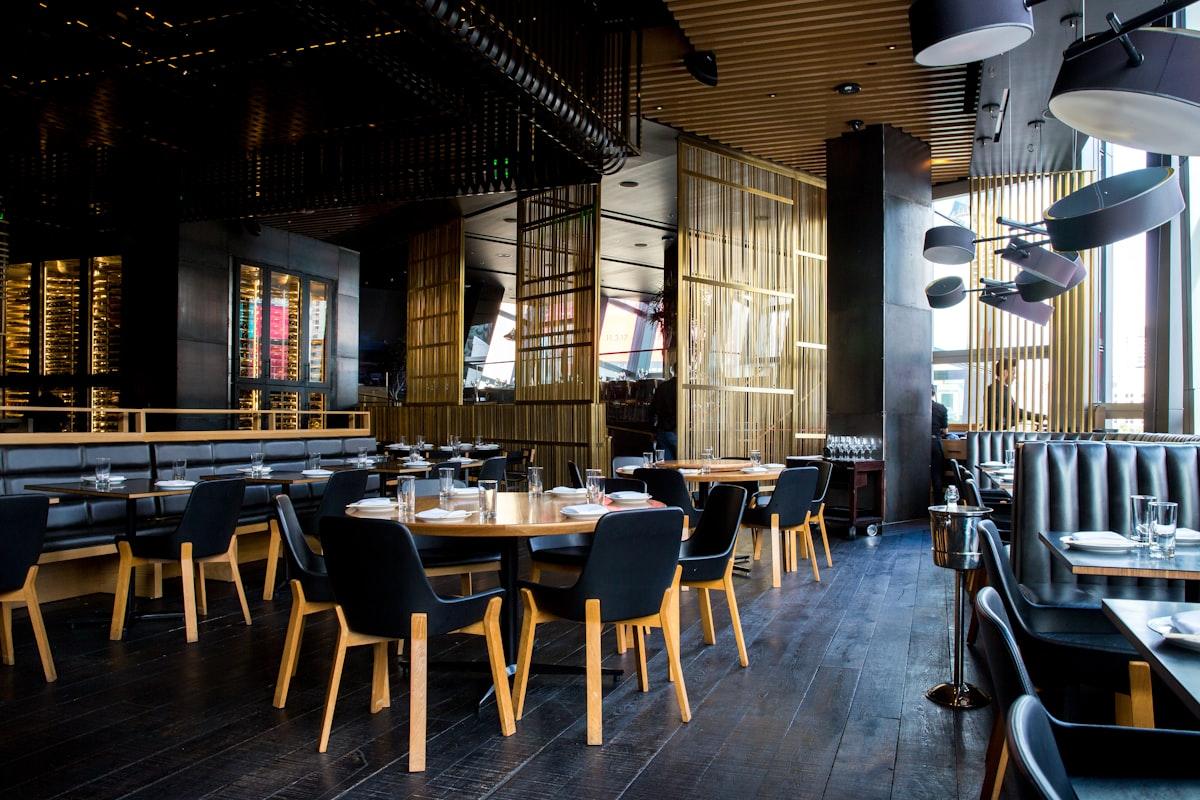
Picture this: a family from Dubai sits down at a seaside restaurant in Barcelona. They scan the QR code and see a menu entirely in Spanish and English. The dish names are unfamiliar, the descriptions don't help, and they can't tell what's halal. They play it safe, order two dishes they recognize, skip dessert, and leave without experiencing what the restaurant really has to offer.
Now imagine the same scenario, but the menu has a small language dropdown in the corner. They tap it, select Arabic, and the entire menu flips to right-to-left Arabic text. Every item name, description, allergen label, and dietary tag is now in their language. They spot the halal-tagged lamb shank, the chef's recommended seafood platter, and a tiramisu that sounds irresistible. They order four courses and leave a glowing review.
That's what multi-language menus do. And with NEMENU, translating your entire menu takes one click.
Why Multi-Language Matters for Restaurants
If your restaurant, hotel, bar, or café serves international guests — whether you're in a tourist district, near a cruise port, or in a cosmopolitan city — language is an invisible barrier to ordering. Guests who can't read your menu order less, tip less, and are less likely to return or recommend you.
- Tourists can read your full menu without holding up their phone to Google Translate
- Hotels can serve guests from dozens of countries with a single digital menu
- Allergen and dietary information is understood correctly — reducing liability and building trust
- International staff can assist guests more easily when the menu bridges the language gap
- Better guest experience leads to higher average spend, better reviews, and more repeat visits
How NEMENU's Translation Works
NEMENU uses AI-powered translation to convert your entire menu into any of 52+ supported languages with a single click. The system translates item names, descriptions, category names, variant labels, modifier text, offer descriptions, and even your custom footer — all at once.
The best part? Every translation is editable. If the AI translates a regional dish name too literally, or if you prefer a specific phrasing for your signature cocktail, just click the field and type your preferred version. Manual edits are preserved even if you re-translate later.
What Gets Translated
- Item names and descriptions — the core of your menu
- Category names and descriptions — so guests can navigate sections
- Variant names (e.g., "Small / Medium / Large") — pricing options stay clear
- Modifier group and modifier names (e.g., "Extra cheese", "No onions") — customization without confusion
- Offer titles and descriptions — promotions reach every guest
- Footer text — your custom message at the bottom of the menu
What Auto-Translates (No AI Needed)
Beyond your custom content, NEMENU ships with pre-built translations for all standard UI elements. These switch instantly when a guest changes language — no AI credits used, no setup needed.
- 14 allergen labels — Gluten, Dairy, Nuts, Peanuts, Eggs, Soy, Shellfish, Fish, Sesame, Celery, Mustard, Sulphites, Lupin, Molluscs
- 10 dietary tags — Vegetarian, Vegan, Gluten Free, Halal, Kosher, Spicy, Organic, Sugar Free, Low Carb, Keto
- 4 item tags — New, Popular, Recommended, Homemade
- UI labels — "Today's Offers", "Contains", "Out of Stock", "Powered by", and more
See It in Action
Try switching languages on this sample menu. Notice how item names, descriptions, dietary tags, and allergen labels all change — and when you select Arabic, the entire layout flips to right-to-left:
RTL Language Support
Arabic and Hebrew are read from right to left. When a guest selects one of these languages, NEMENU's templates automatically flip the entire layout: text alignment, item ordering, price positioning, and navigation all mirror seamlessly. No configuration needed — it just works.
This is especially important for restaurants in the Middle East, North Africa, and destinations popular with Arabic-speaking tourists like Spain, Turkey, and Southeast Asia.
Setting Up Multi-Language in NEMENU
Step 1: Enable Languages
Navigate to Settings → Languages in your NEMENU dashboard. Select the languages you want to offer from a dropdown of 52+ options. Your base language (the language you wrote your menu in) is set automatically.
Step 2: Translate with AI
Click "Translate All" for any enabled language. NEMENU's AI processes your entire menu — every item, category, variant, modifier, and offer — and generates translations in seconds. A progress bar shows real-time status for large menus.
Step 3: Review and Edit
Open the translation panel for any item to review what the AI generated. Edit any field you'd like to refine — local dish names, regional phrasing, or tone adjustments. Your manual edits are always preserved, even if you re-translate the rest of the menu later.
Step 4: Publish
Hit "Publish" and your public menu now shows a language selector dropdown. Customers pick their language and the menu updates instantly — no page reload. Their preference is saved in the browser, so returning guests see their chosen language automatically.
Who Benefits Most?
- Tourist-area restaurants — Serve guests from dozens of countries without any confusion
- Hotels and resorts — Room service and restaurant menus in every guest's language
- Airport and cruise terminal venues — High-turnover locations with diverse international clientele
- International restaurant chains — Consistent menus across markets and locations
- Food halls and food courts — Multiple vendors, one unified multilingual menu experience
- Catering companies — Event menus tailored for international corporate clients
Pricing and Availability
Multi-language translation is available on Pro and Enterprise plans:
| Plan | Languages | AI Translations |
|---|---|---|
| Free | Base language only | Not available |
| Pro | Up to 5 languages | 1,000 per month |
| Enterprise | Up to 50 languages | Unlimited |
Static UI translations (allergen labels, dietary tags, item tags) are free on all plans — they're built into every NEMENU template. AI translation credits are used only for your custom menu content like item names, descriptions, and categories.
Getting Started
If you're already a NEMENU Pro or Enterprise user, head to Settings → Languages in your dashboard to get started. Add your target languages, click "Translate All", and your international guests will notice the difference immediately.
If you're new to NEMENU, you can create your digital menu for free and upgrade to Pro when you're ready to go multilingual.
Your menu should speak every guest's language — literally.