
Hookah Lounge Menu App: Digital Shisha & Drinks Menu
A digital hookah menu for your lounge: shisha flavours, mixes and refills, drinks and food on one QR menu that updates instantly and works in any language.


Scan to try
hookah-lounges.nemenu.app
The Challenges You Face
Running a hookah lounges comes with unique menu management challenges. Sound familiar?
Flavor selection is overwhelming
Guests take forever to choose from 50+ flavors.
Flavor combinations are missed
Guests don't know which flavors mix well together.
Dark lighting makes menus hard to read
Traditional paper menus are difficult to read in lounge lighting.
Drink menus are separate
Guests need multiple menus to see all options.
How NEMENU Helps
Purpose-built features for hookah lounges that solve real problems.
Flavor Catalog
Complete flavor list organized by category with flavor profiles.
Mix Suggestions
Recommended flavor combinations curated by your staff.
Dark Mode Design
Perfectly readable in low-light lounge environments.
Full Bar Menu
Cocktails, mocktails, and beverages alongside hookah options.
House Specials
Feature signature mixes and limited-time flavors.
Food Options
Late-night bites and sharing plates.
Real-World Use Cases
See how hookah lounges use NEMENU to solve everyday challenges.
Flavor Discovery
A guest browses all 60 flavors organized by category - fruity, minty, exotic, traditional - with detailed descriptions.
Faster decision-making and happier guests.
Mix Recommendations
A guest selects 'Watermelon' and sees suggested mixes: 'Watermelon + Mint' or 'Watermelon + Grape.'
Better experiences lead to return visits.
Group Orders
A group shares the menu link and browses together, voting on flavors before the server arrives.
Faster group decisions, better table turnover.
Premium Upsells
Feature premium tobacco options with detailed origin stories and flavor profiles.
Increase average ticket with premium visibility.
Learn more
Guides and tips for hookah lounges

How to Create a Digital Bar Menu: The Complete Guide
Transform your bar with a digital menu that updates as kegs kick and automates happy hour pricing.
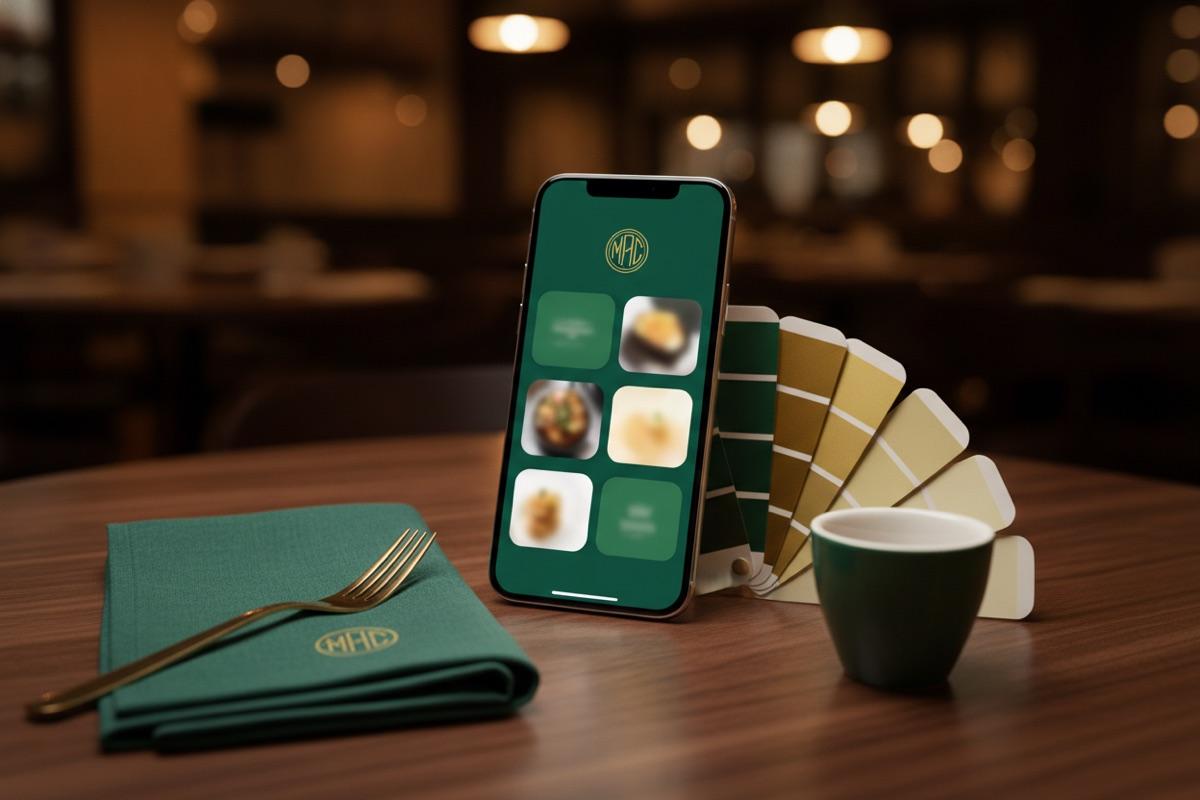
Your Menu, Your Brand: How NEMENU's Custom Branding Turns a Digital Menu Into a Signature Moment
A menu isn't just a list of dishes. It's the first thing guests touch when they sit down. Custom branding makes sure that moment feels like your restaurant — not a generic template.
Breakfast, Lunch & Dinner Menus: Schedule Items by Time of Day
Stop customers from ordering breakfast at 8 PM. Set time windows and day-of-week schedules so your digital menu always shows what's actually being served.
Frequently asked questions
How should a hookah lounge menu be organised?
Start with shisha: single flavours, dual mixes and refills, with flavours listed as options under one item instead of a long list of separate products. Then drinks, then food. Put your house mixes and most popular flavours at the top.
Can guests choose their shisha flavour from the menu?
Yes. Add flavours as variants of a shisha item, like Double Apple, Mint or Blueberry Mint, and guests see every option on one card. With WhatsApp, Telegram or SMS ordering turned on they can send their choice straight to your staff.
Can I mark a flavour as out of stock?
Yes. Stock status works per variant, so you can mark a single flavour as sold out from your phone and guests see it instantly, with no reprinting.
Does the menu work for international guests?
Yes. On Pro, translate your menu with AI and guests switch language on the menu itself, including Arabic, which displays right-to-left.
Try the live demo
Scan or visit
hookah-lounges.nemenu.appA realistic hookah lounges menu with multi-language and multi-currency support — exactly what your customers would see.
Ready to modernize your hookah lounges?
Join thousands of businesses using NEMENU to create beautiful digital menus. Get started free - no credit card required.
Free plan includes unlimited menus. Upgrade anytime for advanced features.