
Digital Menus for Hotels with Multiple Restaurants & Bars
Run your spa, lounge bar, pool bar, restaurant, in-room dining, fast-food corner and night club from one NEMENU account. Guests scan one code, pick a venue and see that venue's menu. Per-venue QR codes and printable menus included.
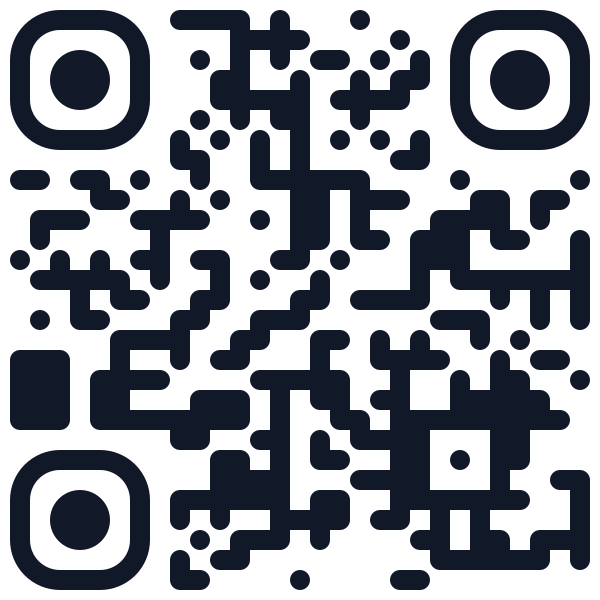
Scan to try
multi-venue-hotels.nemenu.app
The Challenges You Face
Running a multi-venue hotels comes with unique menu management challenges. Sound familiar?
Seven outlets, seven PDFs and spreadsheets
Each venue keeps its own file, so prices, names and photos drift apart within weeks.
The same burger is edited in two places
The pool bar charges more than the restaurant for a shared dish, and every change has to be made twice.
Lobby signage can only point at one menu
A single QR in the lobby sends every guest to the same place, no matter which outlet they want.
Every price change means reprinting in every outlet
Each venue prints its own paper menu, so one seasonal update turns into seven print jobs.
How NEMENU Helps
Purpose-built features for multi-venue hotels that solve real problems.
Unlimited venues under one account
On the Enterprise plan, one login manages every outlet on the property. Each outlet is its own venue.
One catalogue, per-venue placements
Items live once in a global catalogue. Categories are per venue, and each venue chooses which items to place and can override the price.
The lobby QR opens a venue directory
Your main address, yourhotel.nemenu.app, shows a directory of venues. Each venue lives at its own path, like /pool-bar.
Named QR codes per room, table or venue
Enterprise gives every room, table and outlet its own code. Rename or retarget a code without reprinting; guests see the label they scanned.
Printable menu per venue + Google Business image
Lay any outlet's menu out for paper from the browser: A5 to A3 and US Letter, automatic columns and a QR corner. Also export a Google Business Profile menu image.
Own template, branding and hours per venue
Each venue picks its own template, colours, opening hours, address, WiFi and WhatsApp settings.
Real-World Use Cases
See how multi-venue hotels use NEMENU to solve everyday challenges.
Pool Bar
The pool bar serves the same cocktails as the lounge but with a poolside surcharge. It places the shared items and overrides the price per venue.
One catalogue entry, two prices, no duplicate editing.
Night Club
The club opens at 22:00 with a bottle menu and its own dark template. Guests who scan the club code see only the club.
A venue with its own hours and look, without touching the restaurant menu.
Spa & Wellness
The spa lists treatments with durations on a calm template, with WhatsApp ordering hidden since bookings go through reception.
A treatment list that reads like a spa, not a food menu.
In-Room Dining
Room service runs 24 hours on its own venue, with breakfast, dinner and late-night sections that show their serving hours. A named QR code in each room opens it directly.
Guests order from the room menu without searching the lobby directory.
Fast Food Corner
The fast-food corner pulls burgers and fries from the catalogue in one import and runs a casual template.
A new outlet live in minutes, reusing items you already maintain.
Learn more
Guides and tips for multi-venue hotels
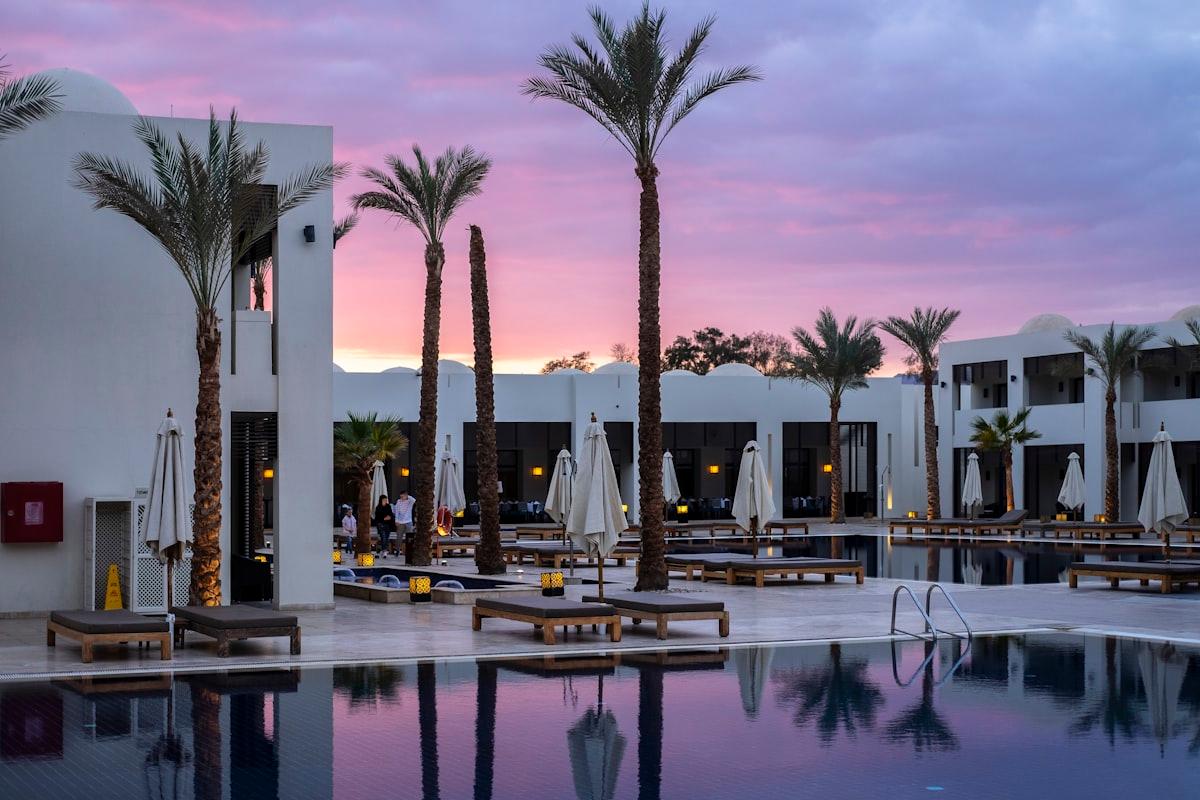
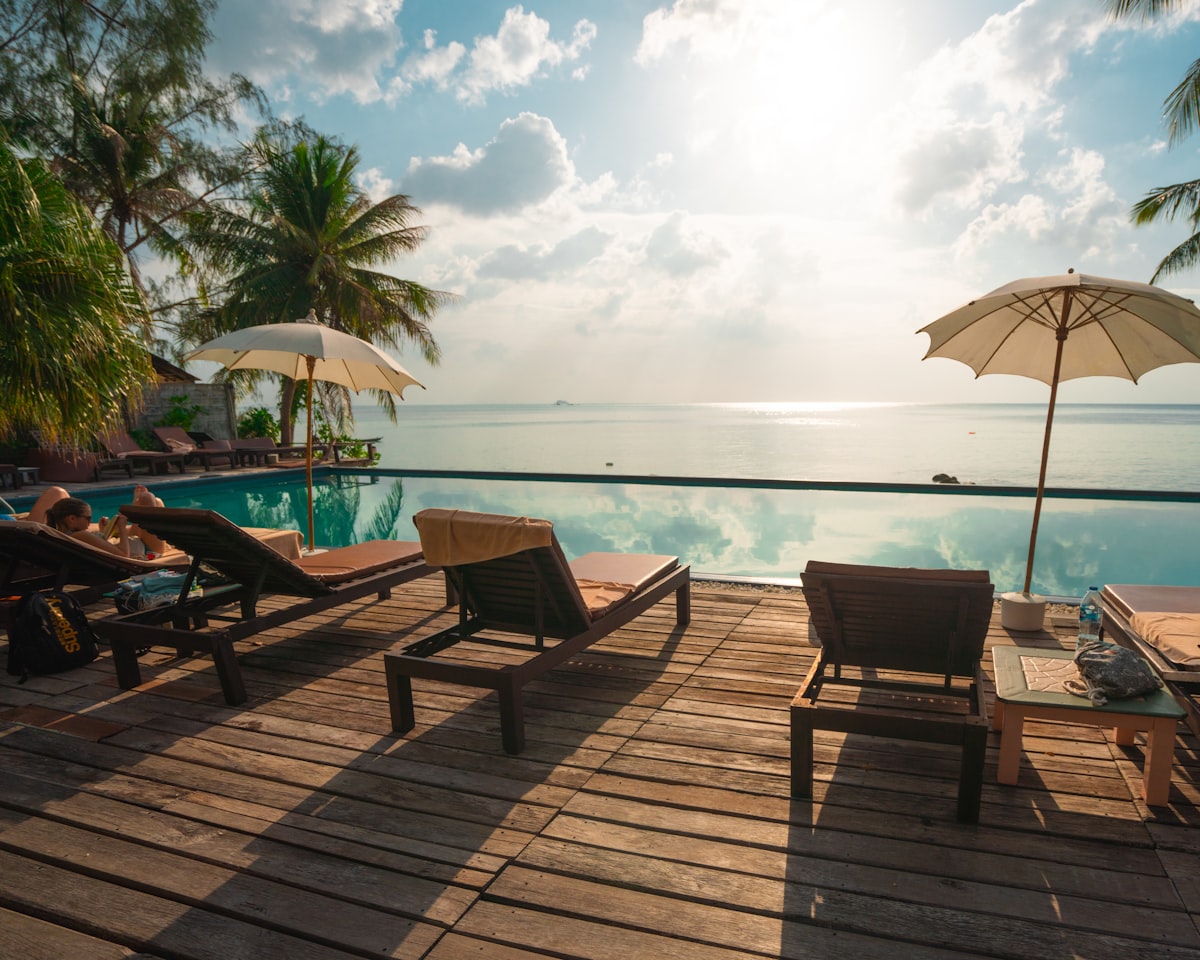
Six F&B Outlets, One Property: A Digital Menu Playbook for Hotels
Spa, lounge bar, pool bar, restaurant, fast food corner, night club. Here is how a hotel puts every F&B outlet on a digital menu without six separate systems, using a fictional property as the worked example.
One Catalogue, Six Menus: How Placements Give Every Venue Its Own Price
The same burger costs 18 at the corner and 32 in the restaurant. Here is how a shared catalogue plus per-venue placements lets you edit the dish once and price it everywhere it is sold.
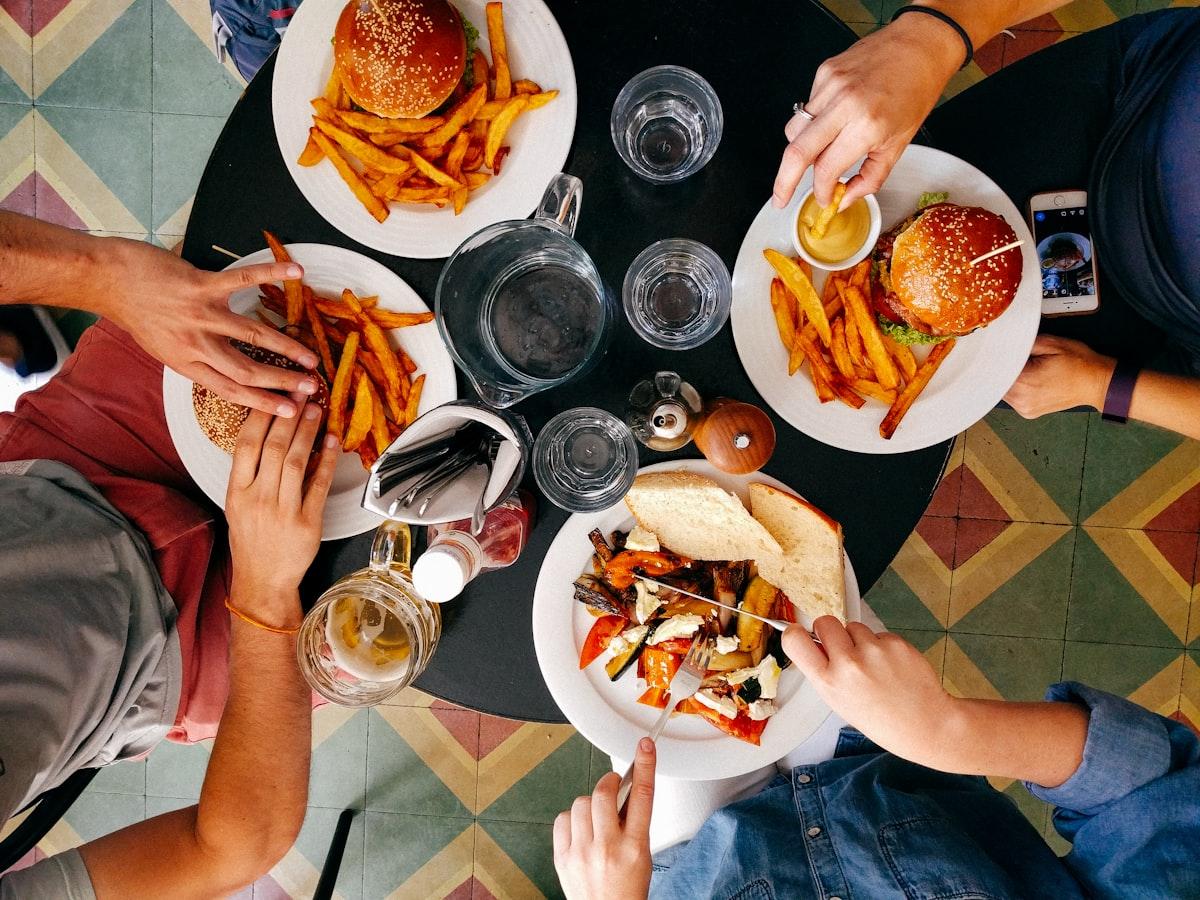
One QR in the Lobby, One per Table: A Hotel Menu Directory with Named QR Codes
The lobby code should open a directory, the pool bar code should open the pool bar, and Room 412's code should tell you it came from Room 412. Here is how to set all three up and what the guest sees.
Frequently asked questions
Which plan do I need for multiple venues?
Enterprise. The Free and Pro plans cover a single location; Enterprise adds unlimited venues under one account.
Can venues share dishes but charge different prices?
Yes. Items live once in the global catalogue, and each venue can override the price when it places an item. Name, photo and allergens stay shared.
What does a guest see when they scan the lobby code?
A venue directory at your root address, with no menu of its own. Each venue has its own address, like yourhotel.nemenu.app/pool-bar, and its own QR code.
Can each venue look different?
Yes. Every venue chooses its own template, colours, opening hours, WiFi details and WhatsApp settings.
Can I print the menu for just one outlet?
Yes, on Pro and Enterprise. Pick the venue, choose the paper size, columns and a QR corner, then print from the browser or use Save as PDF in the print dialog.
How is this different from your Hotels page?
The Hotels page at /solutions/hotels covers room service, spa and amenity guides on a single menu. This page is for properties running several food and drink outlets, each with its own menu.
Try the live demo
Scan or visit
multi-venue-hotels.nemenu.appA realistic multi-venue hotels menu with multi-language and multi-currency support — exactly what your customers would see.
Ready to modernize your multi-venue hotels?
Join thousands of businesses using NEMENU to create beautiful digital menus. Get started free - no credit card required.
Free plan includes unlimited menus. Upgrade anytime for advanced features.